The reason
Why the About page matters
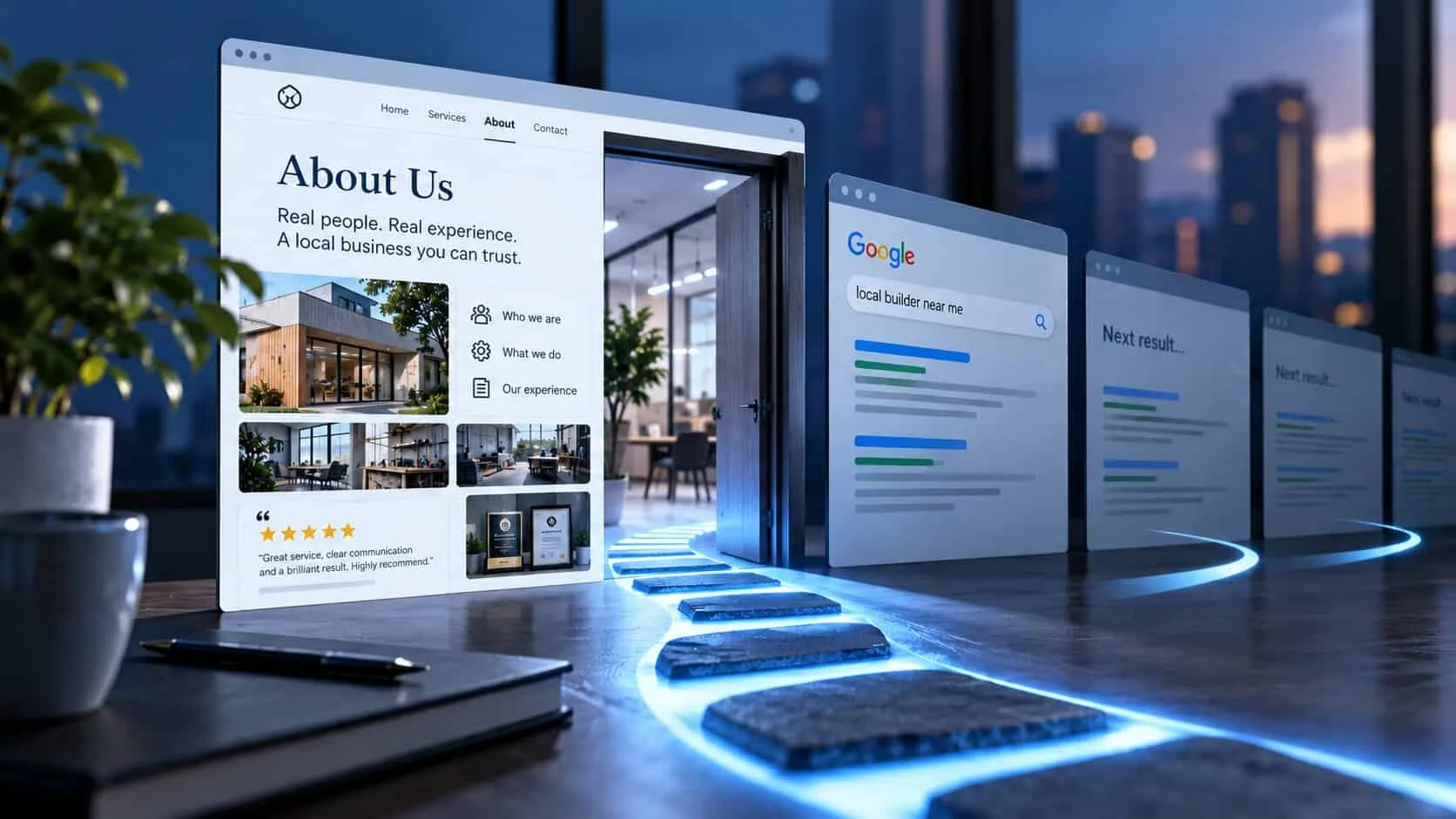
On the small business sites I check, the About page is usually one of the most visited pages after the homepage. People don’t go there to learn your history. They go there just before they decide, to check that you are a real business, with real people, who have done this before.
If that check fails, they don’t tell you. They go back to Google and open the next result. That is how an About page written with good intentions still loses enquiries.
Think of it as the page where your trust signals come together: who you are, what you have done, and what other customers say about you.
The questions
What visitors look for on an About page
Every visitor is quietly asking four questions. Each one has an answer that works, and one that sounds nice but proves nothing.
| They are asking | What answers it | What doesn’t |
|---|---|---|
| “Are you real?” | The owner’s name and face, your address or the area you serve, your SSM number. | A logo and a handshake stock photo |
| “Do you work near me?” | The towns you cover and how long you have worked there. | “Serving clients nationwide” |
| “Have you done this before?” | Years in business, number of jobs, named clients, photos of real work. | “A team of experienced professionals” |
| “Will you treat me well?” | Two or three named reviews, how you work, how fast you reply. | “Customer satisfaction is our priority” |
The structure
The seven parts of an About page, in order
You don’t need all seven to be long. Most good small business About pages are 300 to 600 words.

- 1
A headline about what you do, for whom, where
Not “About us” or “Our story”. Say it plainly: “Family-run aircon servicing in Melaka since 2011.” A visitor who reads only this line should know who you are.
- 2
The people, with a real photo
Names, roles and one line each. A real photo of the owner or team, even taken on a phone, beats any stock photo (here’s why). If it is just you, say “I”.
- 3
Why you started, in three sentences
The problem you saw and what you do differently. Keep it short. One true detail is worth a page of history.
- 4
How you work
Three or four promises a customer can check: reply within one working day, written quote before work starts, same team from start to finish.
- 5
Proof
Two or three named reviews, your Google rating, number of jobs, client names or photos of finished work. The Google reviews guide shows how to get more of them.
- 6
The details that prove you are real
Business address or service area, SSM number, years in business, memberships or licences. Small lines, near the bottom, but they matter.
- 7
One next step
End with one button and the reply time: “WhatsApp Lim for a free site visit — he replies the same day.” More on wording in calls to action that get clicked.
The example
Before and after: one About page rewrite
Here is a renovation company’s About page, part by part. The business is an example and the numbers are illustrations, but the “before” lines are ones I see every week.
| Part | Before | After |
|---|---|---|
| Headline | Welcome to ABC Renovation | Kitchen and bathroom renovation in Melaka, by the same two brothers since 2014 |
| About text | We are committed to providing quality service and customer satisfaction. | Lim and Daniel do every site visit themselves. You get a written quote within two days, and the same team turns up on day one. |
| Photo | A stock photo of smiling people in suits | Lim and Daniel on a real job, in work clothes |
| Proof | Trusted by many satisfied customers | 4.8 on Google from 96 reviews · 340 kitchens since 2014 |
| Ending | Nothing — the page just stops | “WhatsApp Lim for a free site visit” button, with “replies the same day” |
Nothing in the “after” column is clever writing. It is just specific. Specific is what makes people believe you.
The warnings
Six About page mistakes that cost trust
Opening with a mission statement
“Committed to excellence” could be any company. Visitors skip it, and some take it as a sign there is nothing real to say.
Stock photos of people who don’t work there
Visitors spot them quickly. A fake team photo does more damage than no photo at all.
No names anywhere
A business with no named person feels like it is hiding. Customers want to know who they will deal with.
Your history before their problem
Founding dates and award lists first, the customer’s question last. Flip it.
No next step
The visitor is ready to decide and the page just ends. Give them one button.
Out of date
Staff who left years ago, “10 years’ experience” written in 2015. Read it once a year and fix what has changed.
The benchmark
What good looks like
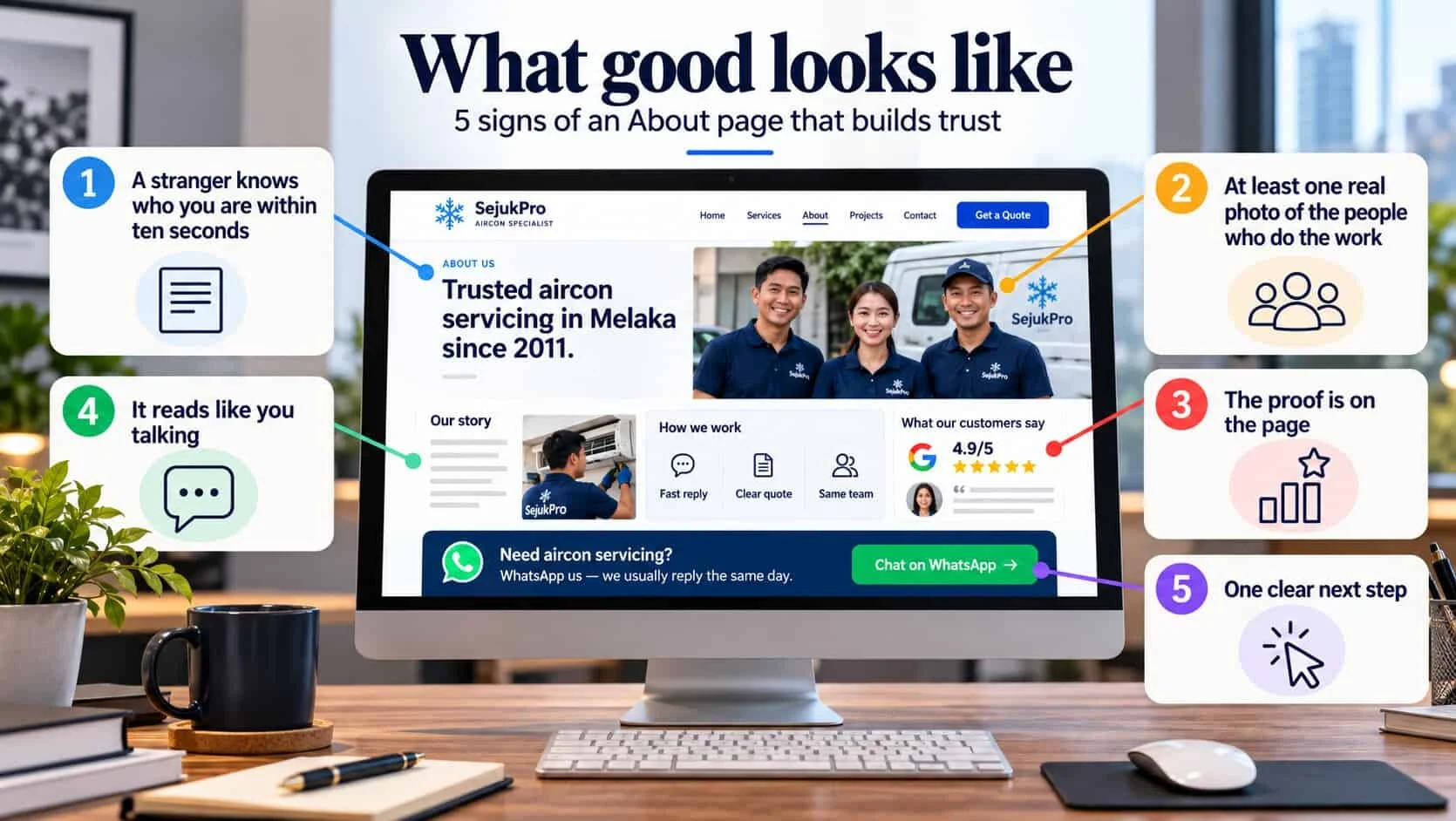
A stranger knows who you are within ten seconds
What you do, where, and for how long — from the headline and the first photo.
At least one real photo of the people who do the work
Faces, names, roles. Not a logo, not stock.
The proof is on the page
Reviews, numbers and real work sit here, not one click away.
It reads like you talking
Plain words you would use on the phone. If you wouldn’t say it to a customer, cut it.
It ends with one clear next step
A single button, the reply time, and nothing competing with it. For a working example, see my own About page.
Quick check: does your About page build trust?
5 questions · 30 secondsAnswer for your own website, honestly.
About pages: owners’ questions
What should a small business put on its About Us page?
Who runs the business, with names and a real photo; what you do and where; how long you have done it; how you work; proof such as reviews and numbers of jobs; and one clear next step, like a WhatsApp or quote button.
How long should an About Us page be?
For most small businesses, 300 to 600 words. Long enough to show who you are and prove it, short enough to read on a phone in two minutes.
Should I write “I” or “we”?
If it is just you, write “I”. A one-person business calling itself “we” reads as hiding something. If you have a team, write “we” and name the people.
Do I need a photo of myself on the About page?
Yes, if you can. A real photo of the owner or team is one of the strongest trust signals on a small business site. A plain phone photo in good light beats any stock photo.
Should the About page have a call to action?
Yes. People on your About page are usually close to deciding. End the page with one button, such as “WhatsApp us” or “Get a quote”, and the reply time.
Does the About page help with Google?
It rarely brings visitors from Google on its own. Its job is to convince visitors who are already deciding. Link to it from your menu, homepage and service pages so people can find it.