

“No enquiries” has four possible causes
When owners tell me their website gets traffic but no enquiries, they usually think the page is the problem and start paying for a redesign. Sometimes they are right. But three other problems look exactly the same, and they are cheaper and faster to fix.

The wrong visitors
People from outside your area, or searching for something you don’t sell. They were never going to enquire.
The wrong numbers
Bots, your own visits and broken tracking make the number look bigger, so a normal enquiry rate looks bad.
Lost enquiries
People do try to contact you, but the form goes to spam, or the WhatsApp link opens the wrong number.
The page itself
Real, local visitors arrive and leave without contacting you. That’s a message problem, covered in why your website isn’t converting.
Check the first three before the fourth. Redesigning a page that real customers never saw will not help.
The six checks
You need access to Google Analytics and Google Search Console. If you don’t know who set them up, find those logins first. Look at the last 90 days, not the last week.
Where are your visitors?
A café in Melaka can’t serve someone in America. If many of your visitors come from places you don’t serve, they will never enquire, no matter how good the page is.
Where to look
Google Analytics → Reports → User attributes → Demographic details, set to Country, then City.
Warning sign
More than a quarter of visits from outside your service area, especially from countries you’ve never sold to.
Is some of it bots or spam?
Visits from robots and spam tools are counted as traffic. Google Analytics removes the well-known ones, but many still get through.
Where to look
Look at engagement time by source and by country, and at daily visits over the last 90 days.
Warning sign
Sudden one-day spikes, visits with an engagement time near zero seconds, and referrals from sites you’ve never heard of.
What are people searching for?
Showing up for the wrong search brings the wrong visitors. A renovation contractor whose blog post ranks for “free floor plan template” gets hundreds of student visitors — and no jobs.
Where to look
Google Search Console → Performance → Search results → Queries, sorted by clicks.
Warning sign
Your top queries are questions, job searches, other businesses’ names, or words for things you don’t sell.
Which pages do they land on?
Often one old article brings most of the traffic, while your service pages get only a few visits each. Then the total number tells you nothing about your service pages.
Where to look
Google Analytics → Reports → Engagement → Landing page.
Warning sign
One page that isn’t a service or contact page brings more than half of all visits.
Is the tracking counting correctly?
If the tracking code is added twice, every visit counts twice. Your own visits, your staff and your web designer are counted too. On a small site, that can be a third of all visits.
Where to look
Open your site, then Google Analytics → Reports → Realtime. Visit two pages and watch the count.
Warning sign
One visit shows as two, page views are almost exactly double the visits, or most visits come from your own town on weekdays during office hours.
Do enquiries actually reach you?
This one costs the most, because these visitors were ready to buy. A form that sends to an old email address, or a WhatsApp button with a wrong number, looks exactly like a site nobody wants to contact.
Where to look
Test every route yourself, using the table below.
Warning sign
Any message that doesn’t arrive within a few minutes, lands in spam, or goes to the wrong person.
Test every enquiry route in ten minutes
Do this from your phone, on mobile data, using a personal email address. Then repeat it after every change anyone makes to the site.
| Route | How to test it | What usually breaks |
|---|---|---|
| Contact form | Fill it in and send it. Time how long the email takes to arrive. | It sends to an old address, lands in spam, or the “thank you” appears but nothing is sent. |
| WhatsApp button | Tap it on your phone and check which number and message open. | The number is written as 016… instead of 6016…, so the link opens nobody. |
| Phone number | Tap it on your phone. | It isn’t a clickable link, or it’s an office line nobody answers after 5 pm. |
| Email address | Tap it, and send a test message from a Gmail account. | The mailbox is full, or the address was retired when someone left. |
| Google Business Profile | Search your business name on your phone and tap Call, Website and Directions. | The phone number or website on the profile is out of date. |
If one route fails, fix it today. Everything else in this guide can wait until it’s fixed.
Quick check: is your traffic real?
5 questions · 30 secondsOpen your website on your phone, then answer honestly.
What to do with what you find

If the visitors are in the wrong place
Put your town and service area in your page titles, headings and Google Business Profile, so Google sends you local searches. The local search guide covers how.
If the searches or pages are wrong
Leave the popular unrelated article alone, but don’t count it. Judge your site by its service pages, and give each service its own page, written for what a real customer would search.
If the numbers are inflated
Remove the extra tracking code and set Google Analytics to ignore your office internet. Your numbers will drop — but they will finally be correct.
If enquiries are getting lost
Fix it, then add a monthly test to your calendar. Forms can stop working without warning after hosting changes, plugin updates or staff leaving.
If all six checks pass
Now it’s the page. Real, local visitors are arriving and not contacting you. Start with the seven reasons a website doesn’t convert, then rewrite your homepage using this structure.
Common questions about website traffic
Look for visits with almost no engagement time, sudden spikes on a single day, traffic from countries you do not serve, and referrals from sites you have never heard of. Google Analytics filters known bots, but not all of them.
Often the visitors are not real customers: they come from outside your area, from unrelated searches, or from bots. Sometimes enquiries do arrive but go to spam or an old email address. Check both before changing the page.
For real, local visitors from Google, one to three enquiries for every 100 visits is normal. Good service pages do better. Count only real visitors — remove bots, overseas visits and unrelated pages first.
Submit it yourself from your phone and from a computer, using an email address that is not your business one. Check that the message arrives, how long it takes, and whether it lands in spam. Repeat every month and after any website change.
Yes. For most small businesses in Malaysia, WhatsApp messages and calls are more common than forms. If you only count forms, your real enquiry rate is higher than it looks — and you might change a page that is already working.
Keep reading
Turning visitors into enquiries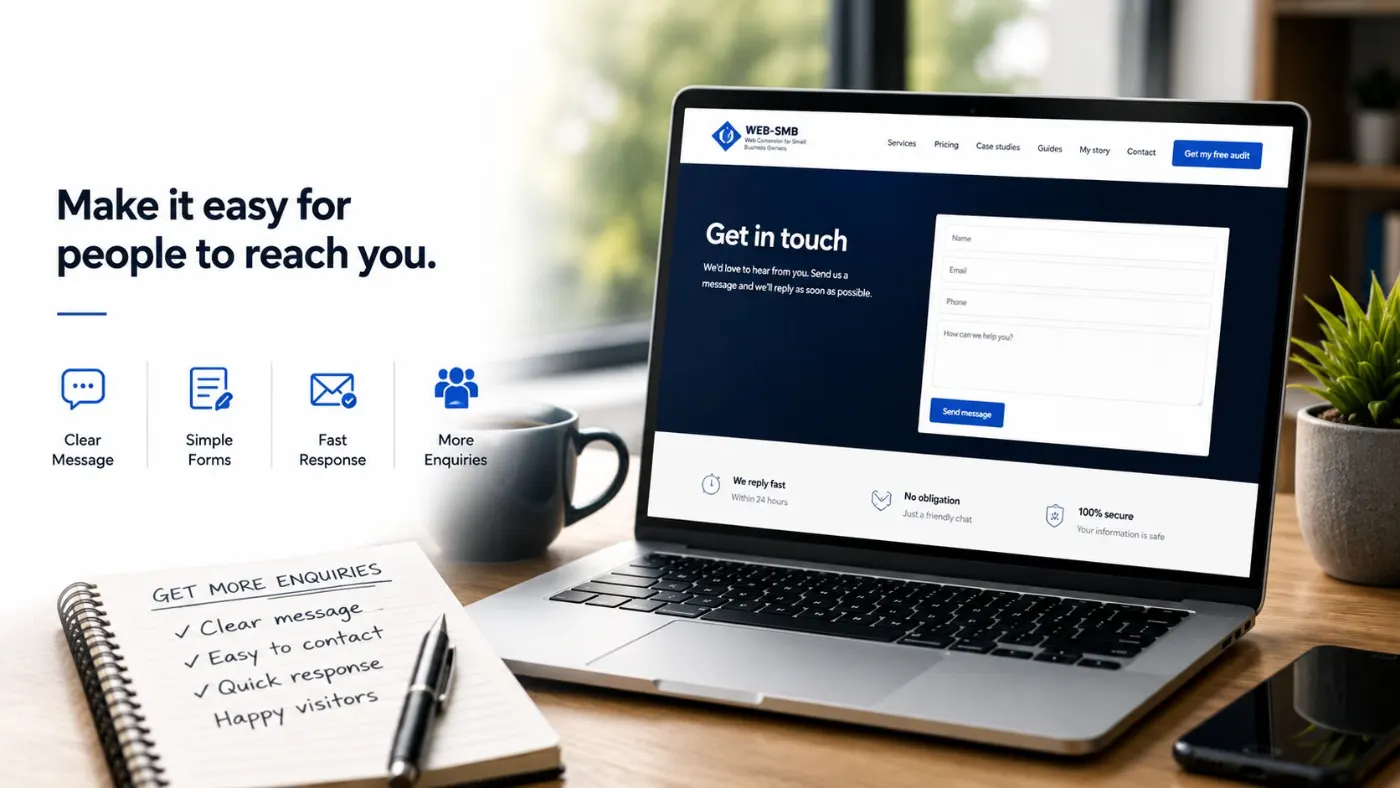
The full guide
The website conversion guide
The four questions every visitor asks, and where small business sites lose people.
Diagnosis
Why your website isn’t converting
The seven causes on the page itself, once you know the traffic is real.
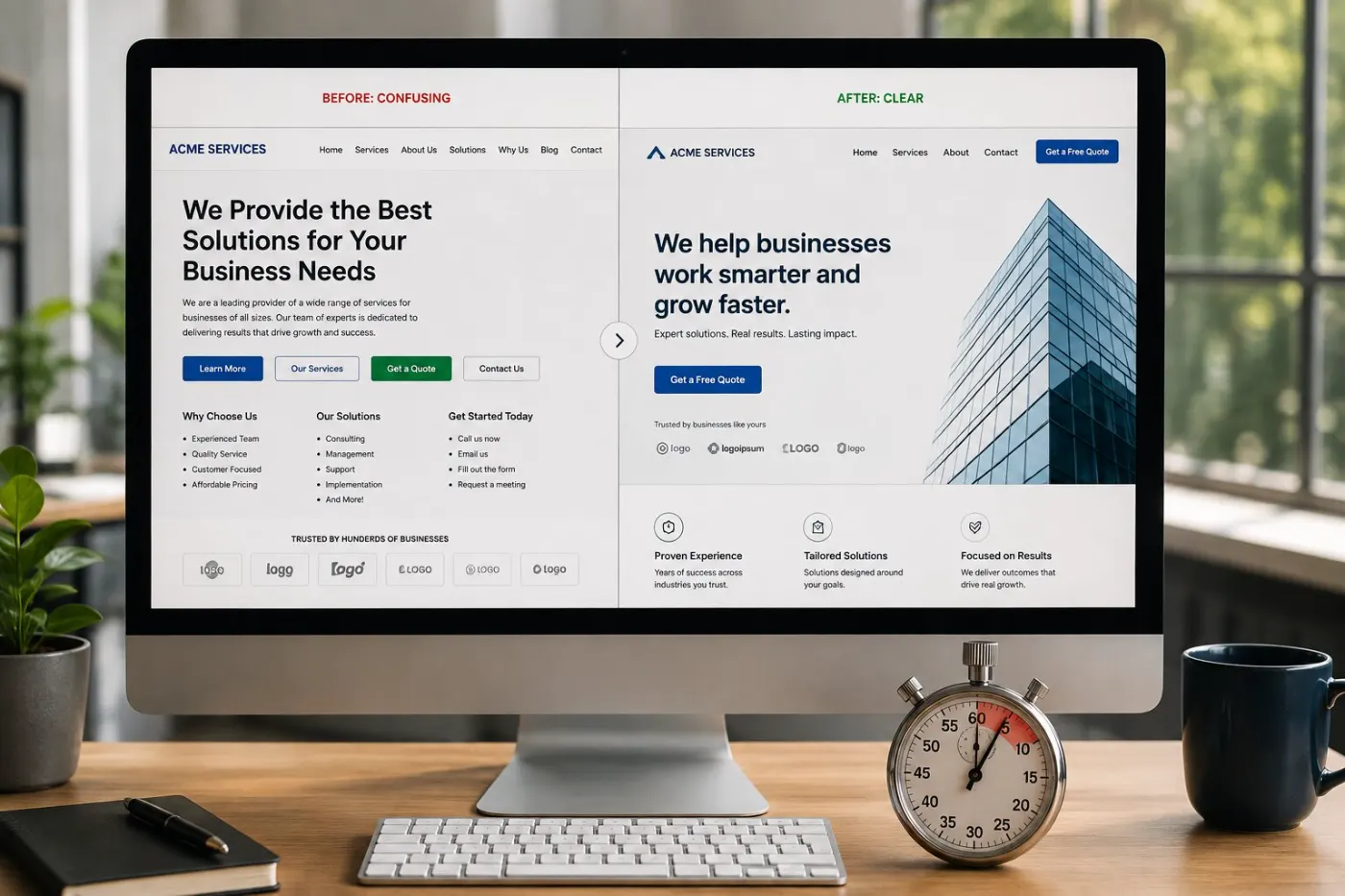
Homepage
How to write a homepage that converts
The five sections in order, and what each one has to do.