
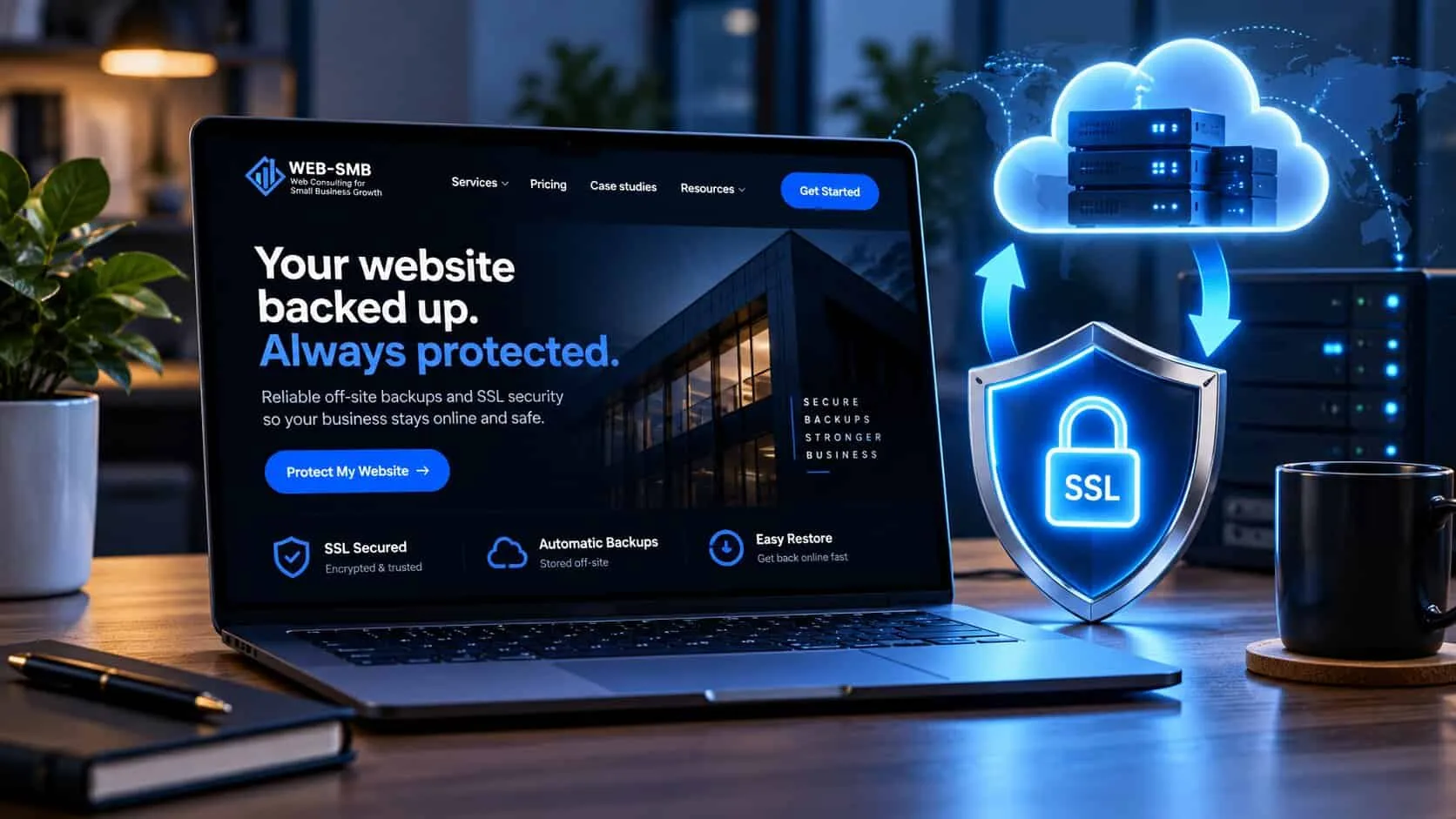
What backups and SSL protect
A backup is a copy of your whole site: the pages, the images, the database behind it and, if it lives with your host, your email. If the site is hacked, broken by an update or deleted by mistake, the backup puts it back the way it was. If it has already happened, here is what to do when your website is hacked.
SSL is what puts the padlock in the browser and the “https” in your address. It scrambles what visitors type into your forms so nobody in between can read it. Without it, Chrome shows “Not secure” next to your name, and many visitors leave before the page loads.
One protects you on the bad day. The other protects you every day. Neither is expensive. Both fail quietly, so you only find out when it is too late.

What a good backup looks like
“We have backups” can mean almost anything. A backup you can rely on has these five things.
It runs on its own
Automatic, on a schedule. A backup that depends on someone remembering stops the first busy month.
It includes everything
Files and the database. On WordPress, a copy of the files without the database brings back an empty site.
One copy lives somewhere else
Your host’s backups sit on the same company’s servers as your site. Keep a second copy in Google Drive, Dropbox or a backup service, so one problem can’t take both.
It goes back far enough
Keep at least 30 days. Hacks are often found weeks after they happen, and last night’s copy may already be infected.
Someone has restored it
The only real test. More on this below.
If your host is Hostinger or similar, check which plan you are on. Entry plans often back up weekly, and daily backups come with the next plan up. More in website hosting for small business.
How often to back up
Back up as often as you could bear to lose. If losing a week of changes would hurt, weekly is not enough.
| Your site | Back up | Keep | What it protects you from |
|---|---|---|---|
| Brochure site, rarely changed | Weekly, and before any change | 4 weekly copies | Restoring a version from before a hack or bad update. |
| Site with a blog or regular updates | Weekly, plus before updates | 30 days | Losing posts written since the last copy. |
| Bookings, orders or daily enquiries | Daily, automatically | 30 days or more | A day of lost orders or bookings you can’t recover. |
| Online shop | Daily, plus the database more often | 30–90 days | Missing orders and customer records. |
Always take an extra backup right before updates, a redesign or moving hosts. That is when most sites break.
Test a restore once a year
A backup nobody has restored is a hope, not a plan. Testing takes one afternoon a year, and your host or web person can do it for you.
- 01Pick a recent backup, not the newest one. That also checks the older copies are kept.
- 02Restore it to a temporary address or test area, never over the live site.
- 03Open the homepage, two inner pages and an image-heavy page. Check nothing is missing.
- 04Send a test enquiry through the contact form and check it arrives.
- 05Write down the date, how long it took and who did it. That is your answer when something goes wrong.
If the restore fails, you have found the problem on a quiet day instead of a bad one. That alone is worth the afternoon.
Why SSL certificates expire
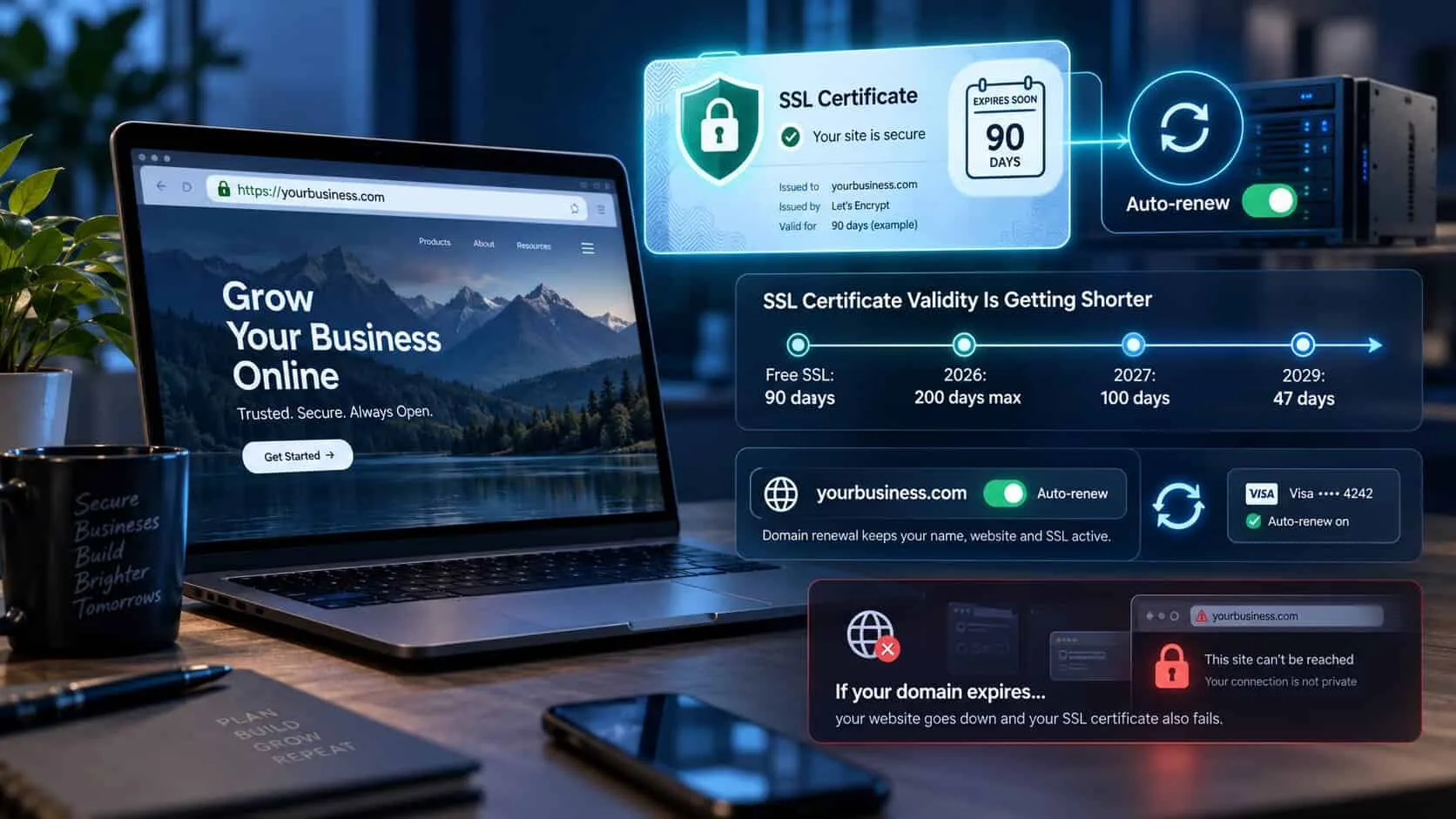
An SSL certificate is valid for a fixed time, then it must be renewed. Free certificates last 90 days and renew themselves. Paid certificates used to last a year or more. From March 2026 they can last at most 200 days, falling step by step to 47 days by 2029.
So the old way, a reminder in someone’s calendar once a year, no longer works. Renewal has to be automatic. Most good hosts include free SSL that renews itself. If your designer or host is charging you yearly for a certificate on a small business site, ask why.
One thing does need a human: your domain name. If the domain expires, the certificate and the site go with it. Turn on auto-renew for the domain and keep the card on file up to date.
When the padlock breaks
These are the usual reasons a site shows “Not secure” or a full-page warning, and what fixes each.
The certificate expired
Automatic renewal failed, often after a change to the domain settings. Your host can reissue it, usually within the hour.
Some pages load images over http
The page is secure but an old image or script link is not, so the padlock disappears. A developer can update the links in one go.
www and non-www behave differently
The certificate covers yourbusiness.com but not www.yourbusiness.com, or the other way round. Make sure both work and one redirects to the other.
The site still opens on http
Visitors who type the old address see the insecure version. Add a redirect so every visit goes to https.
A broken padlock can also stop your contact form sending. If enquiries have gone quiet, test the form first. More in contact forms people actually finish.
The 10-minute monthly check
Put this in your calendar for the first Monday of each month. It takes ten minutes and catches most problems before customers do.
- 01Open your site on your phone. Check for the padlock and no warnings.
- 02Log in to your host or backup tool and check the date of the last backup.
- 03Check there is a copy outside your host, and that it is recent.
- 04Check the domain and SSL show auto-renew turned on. Not sure who controls the domain? See who should own your domain.
- 05Once a year, add the test restore above.
The rest of the monthly checks, like testing the form and checking speed, are in the website maintenance guide. What it costs to have someone do all this for you is in what website maintenance really costs.
Quick check: could you recover your site tomorrow?
5 questions · 30 secondsAnswer for your own site, honestly.
Backups and SSL: owners’ questions
How often should a small business back up its website?
Weekly is enough for a site that rarely changes. Back up daily if the site takes bookings, orders or enquiries every day. Keep at least 30 days of copies so you can go back to before a problem started.
Are my host’s backups enough?
Not on their own. They sit on the same company’s servers as your site, so a billing problem, a hack or a closed account can take both. Keep one extra copy somewhere else, such as Google Drive or Dropbox.
How do I know my backup works?
Restore it. Put a copy of the site on a temporary address or test area, open a few pages and send a test form. Do this once a year, and after any big change to the site.
Do I need to pay for an SSL certificate?
Almost never. Free certificates give the same padlock and the same encryption. Most hosts include one and renew it automatically. Paid certificates only matter for a few large companies that need their business name checked.
Why does my website say “Not secure”?
Usually the SSL certificate has expired, was never installed, or the page loads an image or script over http instead of https. Your host or developer can fix all three, usually the same day.
How long does an SSL certificate last?
Free certificates last 90 days and renew themselves. Paid certificates can now last at most 200 days, falling to 47 days by 2029. Either way, renewal should be automatic, not a date someone has to remember.
Keep reading
Keeping your website running
The full guide
Keeping your website running
What to check, how often, and which parts to do yourself.

Hosting
Website hosting for small business
The four types, RM prices, and what to look for in a host.
Costs
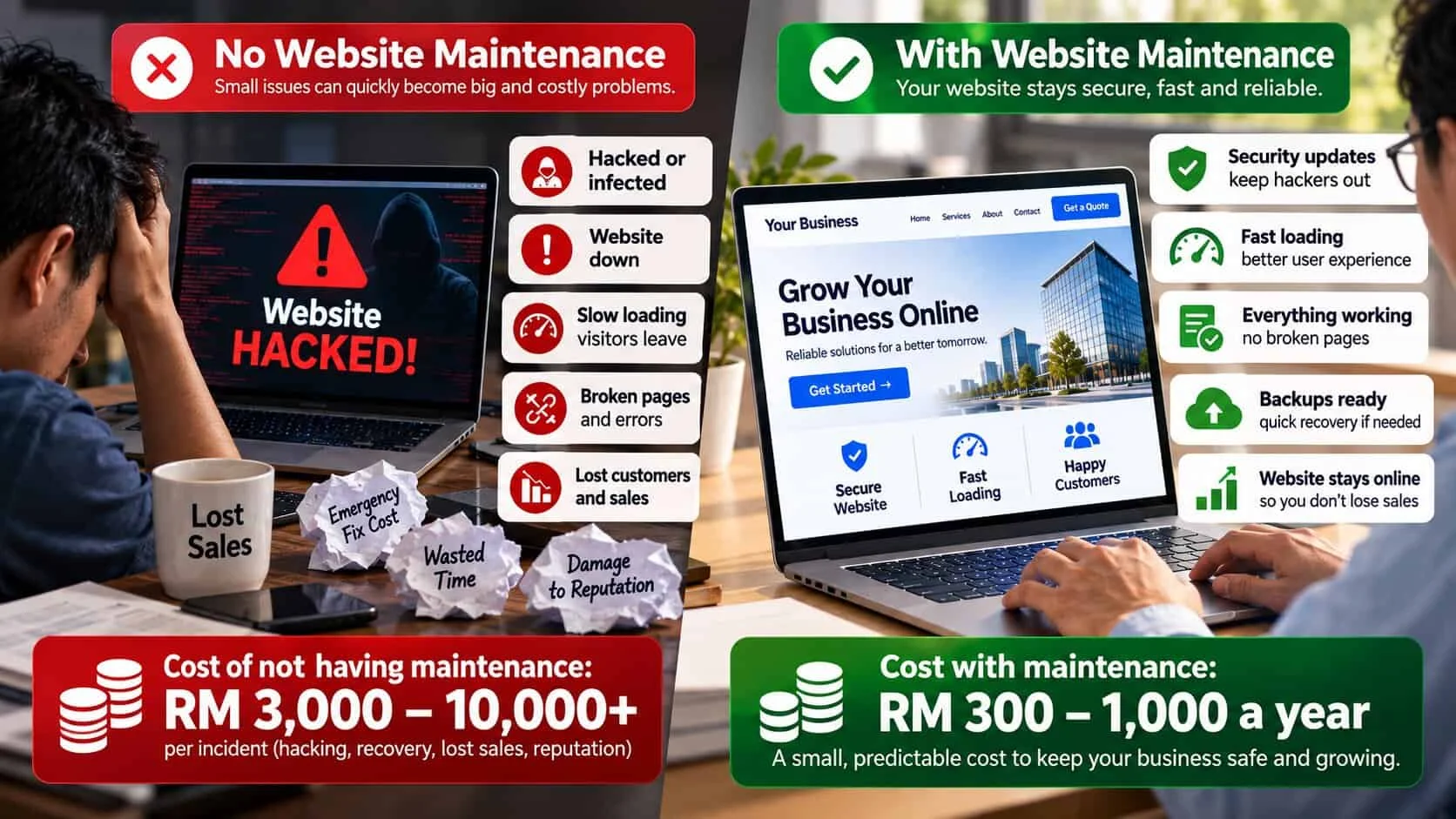
What website maintenance really costs
Every running cost in ringgit, with three sample yearly budgets.