

Why preparation decides the price
A designer quoting a vague project has two choices: guess low and argue later, or guess high to cover the unknowns. Neither is good for you. The more unknowns you remove before the first conversation, the closer the quote is to what the work really costs.
Preparation also decides the timeline. Building a five-page small business site takes a few weeks. Waiting for the content to build it with can take months. Everything below is something only you can supply.
Start with four answers
Write these down in plain sentences before anything else. They take ten minutes and shape every decision after them.

What should the website do?
Pick one main job: bring in enquiries, take bookings, sell products, or make you look credible when someone checks you out. A site that tries to do all four equally usually does none of them well.
Who is it for?
Describe your best customer — the one you would like ten more of. What do they search for, what worries them, and what do they need to see before they contact you?
What should a visitor do next?
Call, WhatsApp, fill in a form, book a slot or request a quote. Choose the one you most want; the design is built around it.
How will you know it worked?
Something you can count: enquiries a month, bookings, quote requests. If you can’t measure it, you can’t tell whether the money was well spent.
Gather your content
You don’t need finished copy. You need the raw material a designer or copywriter can shape. Put it all in one shared folder.

Your services, with prices
A list of what you sell and roughly what each costs — exact prices, “from” prices or typical ranges. Pages without any price guidance get fewer, less serious enquiries.
Real photos
Your work, your premises, your team, you. Phone photos in good daylight beat stock images every time, because visitors can tell the difference.
Proof
Three to five testimonials or Google reviews you have permission to quote, plus any numbers you can stand behind: years trading, jobs completed, clients served.
Your logo, in the original file
The file the logo was designed in, or at least a large PNG with a transparent background. A logo screenshotted from Facebook will look blurred on a good screen.
The questions customers always ask
Write down the ten questions you answer most often on the phone or WhatsApp. They become your FAQ, and often your best page copy.
Contact details, exactly as they should appear
Business name, address, phone, WhatsApp, opening hours and service area — matching your Google Business Profile word for word.
Find your logins and check who owns them
This is the step owners skip and regret. A lost domain login can hold up a launch for weeks. Find each of these now, and check every one is registered to you or your company — not to a previous designer.
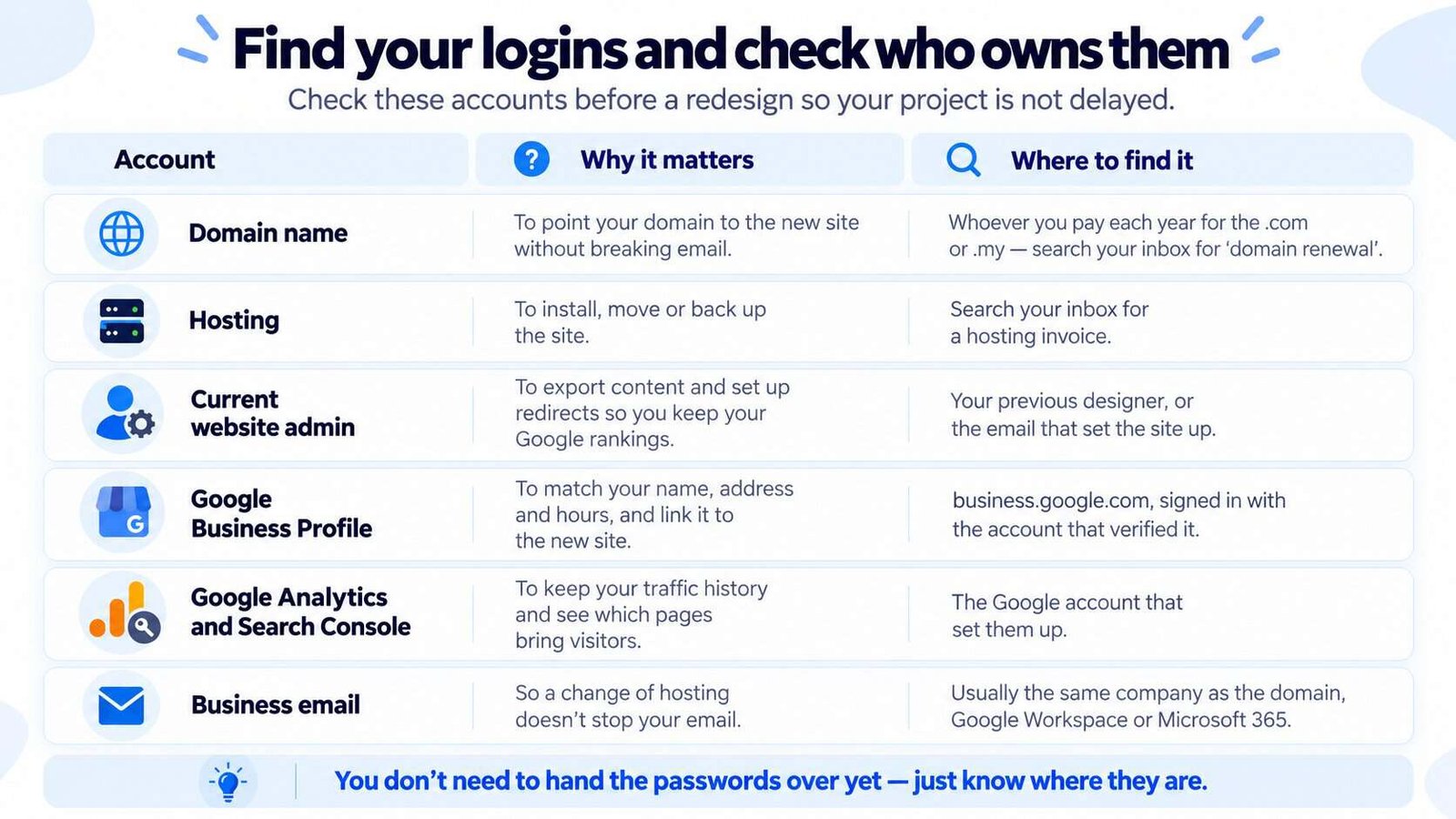
Show this as a table
| Account | Why the designer needs it | Where to find it |
|---|---|---|
| Domain name | To point your domain at the new site without breaking email | Whoever you pay each year for the .com or .my — search your inbox for “domain renewal” |
| Hosting | To install, move or back up the site | Search your inbox for a hosting invoice |
| Current website admin | To export content and set up redirects so you keep your Google rankings | Your previous designer, or the email that set the site up |
| Google Business Profile | To match your name, address and hours, and link it to the new site | business.google.com, signed in with the account that verified it |
| Google Analytics and Search Console | To keep your traffic history and see which pages bring visitors | The Google account that set them up |
| Business email | So a change of hosting doesn’t stop your email | Usually the same company as the domain, Google Workspace or Microsoft 365 |
You don’t need to hand the passwords over yet — just know where they are. If the domain turns out to be in someone else’s name, sorting that out comes before anything else.
Decide your budget and your deadline
Owners often hide their budget, worried the designer will quote up to it. In practice the opposite happens: without a number, the designer has to guess what kind of site you mean. Even a rough range — “around RM 5,000” — lets them tell you honestly what fits and what doesn’t. If you have no idea what’s normal, see what websites cost in Malaysia first.
Be just as clear about timing. Is there a real deadline — a launch, a trade show, a new branch opening — or would sooner simply be nice? A real deadline changes how the project is scoped; a wished-for one shouldn’t.
Collect three sites you like — and say why
Links alone don’t help much. “I like this one” could mean the colours, the photos, the layout or the way the prices are shown. Next to each link, write one sentence on what you like about it.
Add one site you dislike, too, and why. It is often more useful than the three you like, because it tells the designer what to avoid. Competitors’ sites count — knowing who you’re up against shapes how yours should stand out.
What not to prepare
Some preparation costs you time and then gets thrown away. Skip these until you’ve spoken to whoever builds the site.
Writing every page in full
You’ll write it for the wrong structure. Gather the raw material instead, and agree the pages first.
Drawing your own designs
Sketches of layouts lock the designer into your first idea. Describe the problem and show examples instead.
Buying a theme or hosting plan
The right one depends on the platform, and the platform depends on what the site needs. Buy only the domain.
Planning thirty pages
Most small businesses need five to eight. Start with what customers actually look for; you can add pages later.
What to put in the first email
Send the same short brief to every designer you contact. You’ll get quotes you can compare like for like — and the replies tell you a lot about who has actually read it.
Business: what you do, where, and for whom — one sentence.
The site’s job: the one thing it must do, and how you’ll measure it.
Current site: the address, or “none yet”, and what isn’t working.
What’s ready: photos, testimonials, prices, logins — and what isn’t.
Examples: three sites you like and one you don’t, each with a reason.
Budget and timing: a range, and whether the deadline is real.
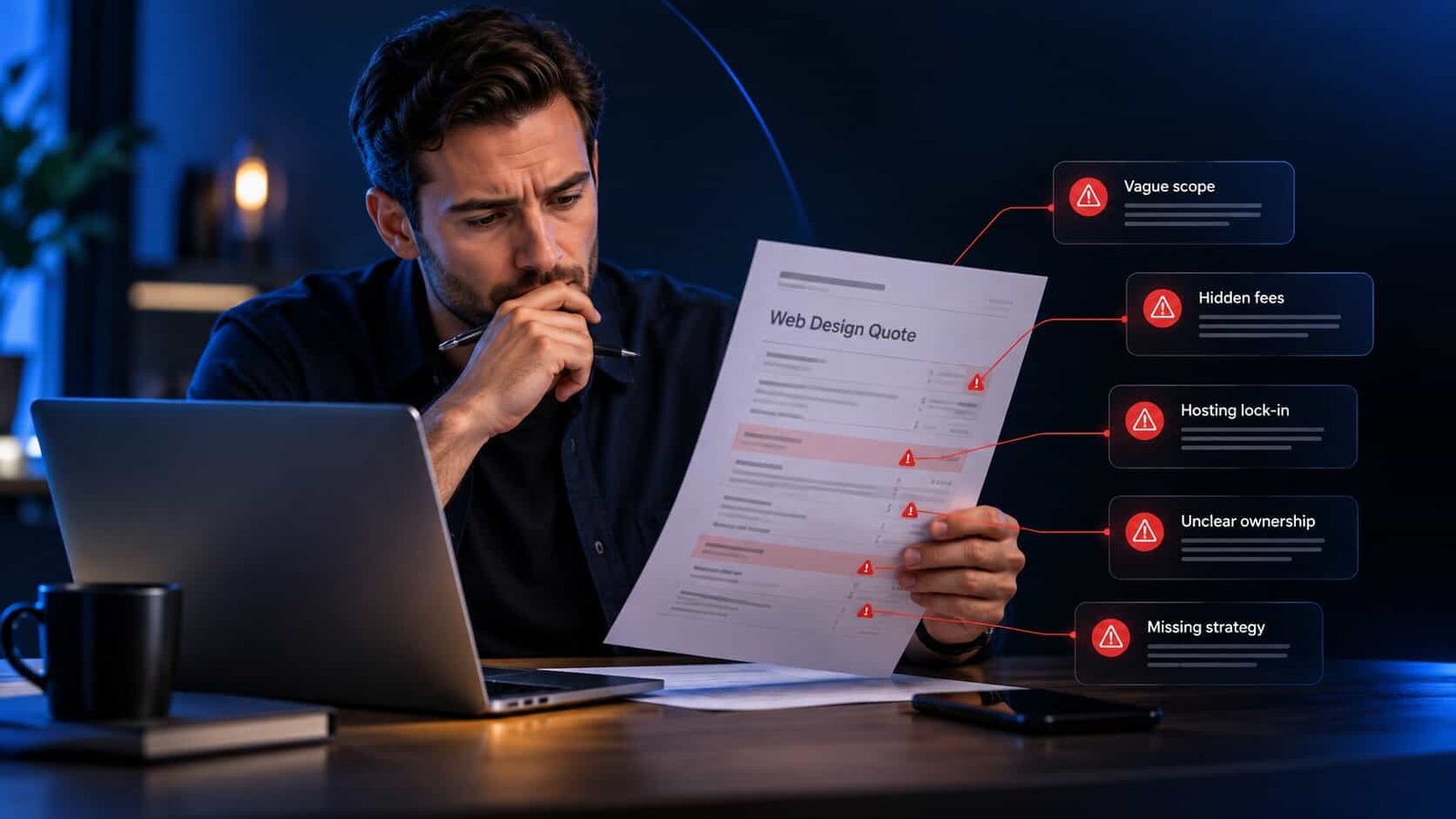
When the quotes come back, check them against the ten red flags in a web design quote, and use these seven questions on your first call.
Questions owners ask before hiring
Keep reading
Buying a small business website
Not sure what your site needs yet?
Send me your current site. Three specific fixes and a straight answer on what to brief a designer for, in your inbox within 48 hours, free.
Get my free audit