
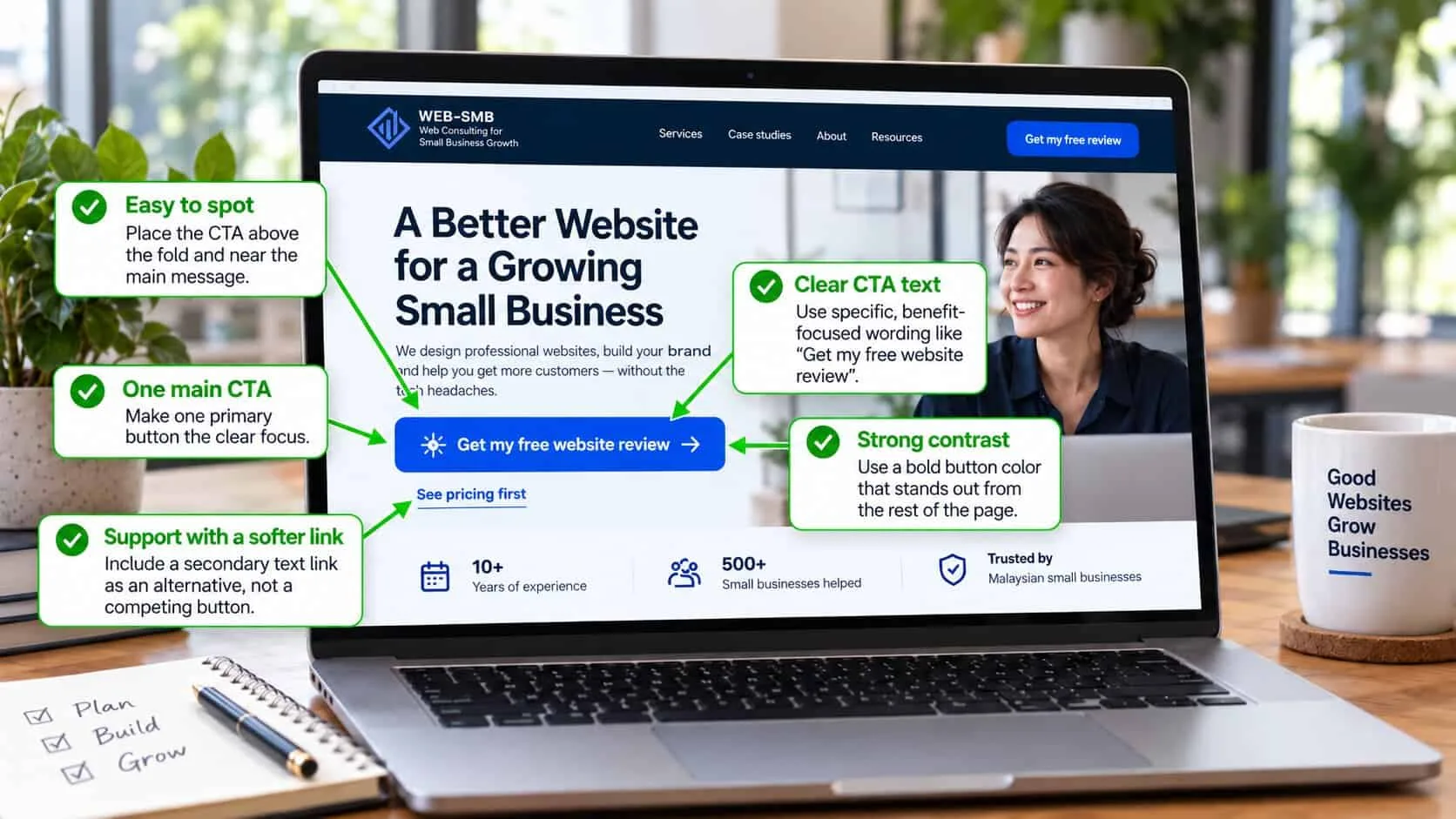
Why visitors read the page but don’t tap the button
Most owners think a button is a design detail — pick a colour, write “Contact us”, done. But the button is where the visitor decides if getting in touch is worth the effort. Every doubt they still have lands on that one spot.
In the sites I check, the same three problems come up again and again. The button is vague (“Learn more” — about what?). There are too many (Call, WhatsApp, Email, Get a quote and Book now, all the same size). Or it asks for too much, too early (“Book a consultation” before the visitor knows the price).
None of these need a redesign. They are words and placement — things you can change this week.
What a call to action that gets clicked has
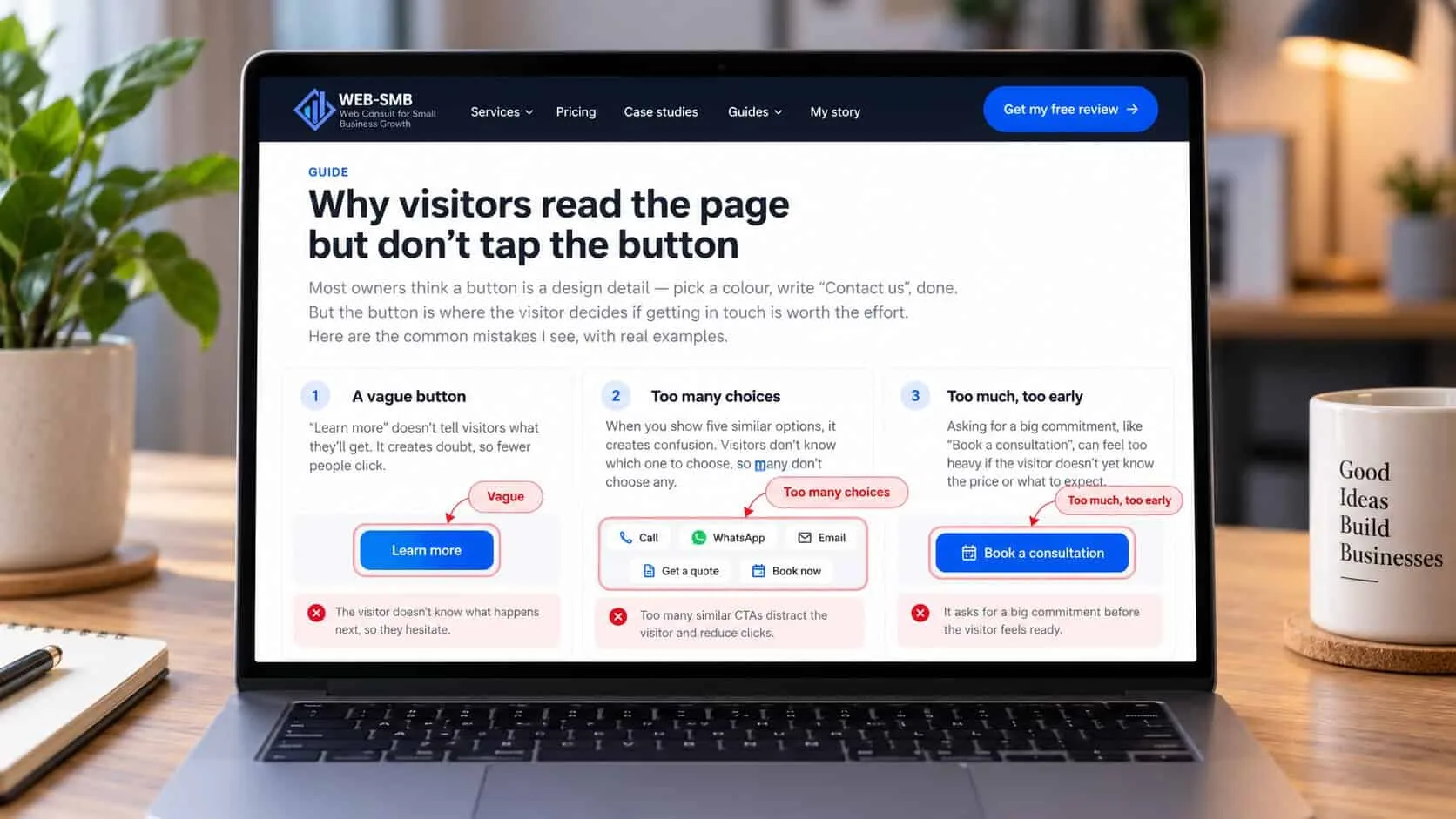
A good call to action is three things together: the button, a short line beside it, and the right place on the page. Most sites only think about the first.
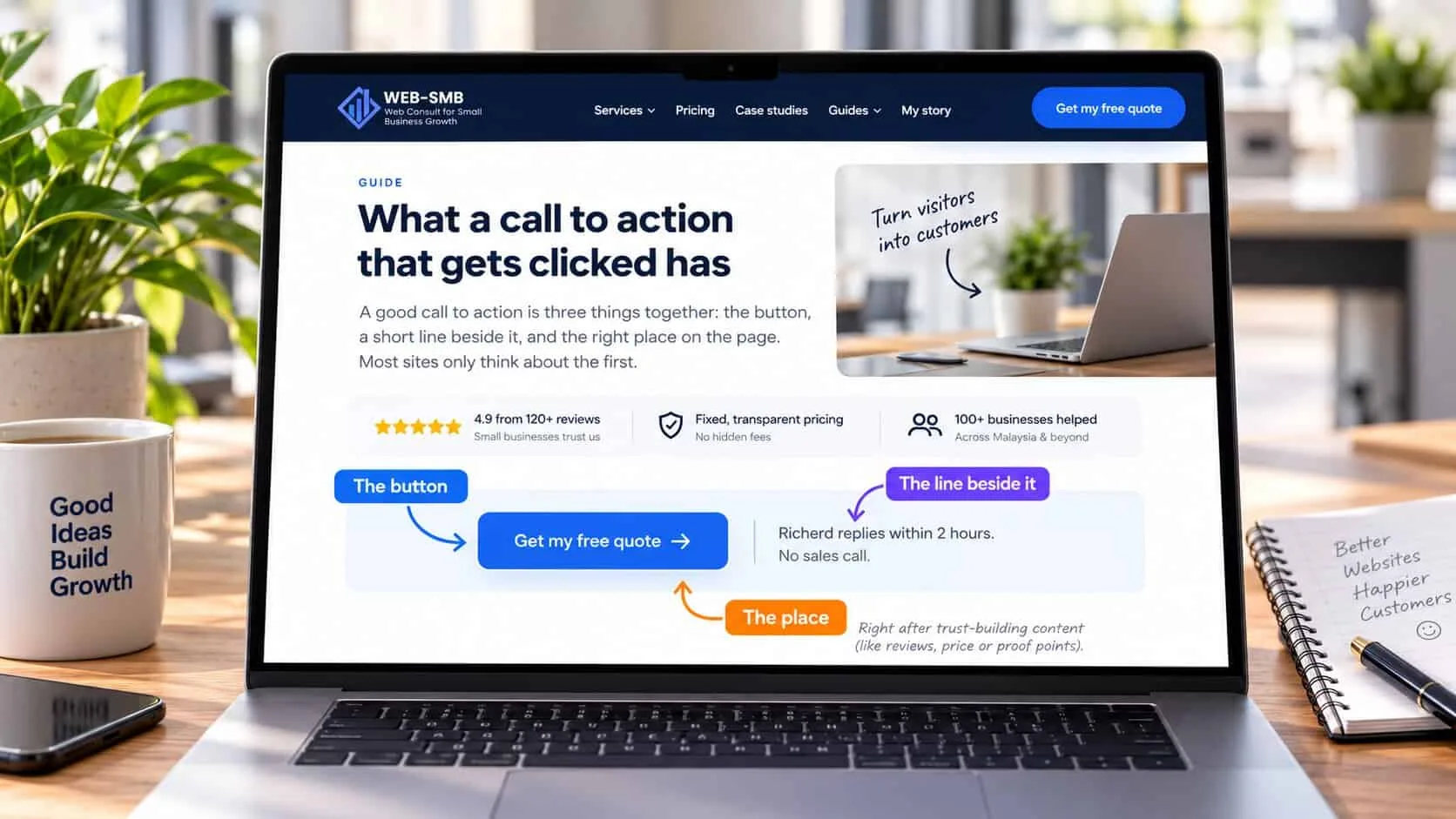
| Part | What it does | Example |
|---|---|---|
| The button | Says what the visitor gets, starting with a verb, in under six words | “Get my free quote” |
| The line beside it | Answers “what happens if I tap?” — who replies, how fast, no obligation | “Richerd replies within 2 hours. No sales call.” |
| The place | Sits where the visitor has just been convinced — after the headline, after proof, at the end | Under the reviews, next to the price |
The line beside the button is the part most owners skip, and it often matters most. People don’t avoid buttons because the colour is wrong. They avoid them because they don’t know what happens next — a sales call, a long form, a price they can’t afford. One sentence removes that worry.
Choose one main action for each page
Before you write any button, decide the one thing you want a visitor on this page to do. Everything else is secondary. A page with one clear action gets more enquiries than a page with five, even though it offers fewer ways to get in touch.
| Page | Main action | Softer second option |
|---|---|---|
| Homepage | WhatsApp or call for a quote | See our services |
| Service page | Get a price for this service | See finished jobs |
| Pricing page | Get an exact quote | Ask a question on WhatsApp |
| Blog or guide | Free check or audit | Read the next guide |
| Contact page | Send the short form or WhatsApp | Phone number and address |
The softer option should look like a text link, not a second button. Visitors who aren’t ready yet still have somewhere to go, and the main action stays obvious for those who are.
Quick check: would a visitor know what to tap?
5 questions · 30 secondsOpen your homepage on your phone, then answer honestly.
Seven fixes, in order of impact
Start from the top. The first four are wording changes you can make yourself today.
Rewrite the button as what they get
Replace “Submit”, “Send” and “Learn more” with the result: “Get my free quote”, “Check if you deliver to my area”, “See this week’s availability”. Read it out loud — if it would sound strange said to a customer at your counter, rewrite it.
Add the “what happens next” line
Put one sentence right under or beside the button: who replies, how fast, and what they will get. “We reply within 2 hours on WhatsApp, 9am–9pm. You’ll get a price, not a sales call.” This line does more than any colour change.
Cut to one main action
Pick one button for the page and make it look different from everything else. Turn the other options into plain text links, or move them to the footer. If you offer WhatsApp and a form, make one the main button and the other a smaller link.
Use your customers’ words
If customers ask for a “quotation”, don’t write “proposal”. If they say “servis aircon”, a Malay or mixed-language button can work better than formal English. Copy the words from your own WhatsApp chats.
Put the button where the doubt is answered
The first button goes under the headline. The next ones go right after the proof — reviews, photos of finished work, the price range — because that is when the visitor has just been convinced. The last one goes at the very end, so nobody has to scroll back up.
Make it easy to tap on a phone
At least 44 pixels tall, full width or close to it on mobile, with space around it. On long pages, a sticky WhatsApp or call bar at the bottom of the screen keeps the action in reach without getting in the way.
Make sure it actually works
Tap every button on your own phone once a month. WhatsApp links with an old number, forms that send to an inbox nobody checks, and phone links that don’t dial are more common than you think — and you never hear about the enquiries you lost.
Swap these lines
Instead of
“Submit”
Try
“Get my free quote”
Instead of
“Contact us”
Try
“WhatsApp us for today’s price”
Instead of
“Learn more”
Try
“See prices and finished jobs”
Instead of
“Book a consultation”
Try
“Ask a quick question — no obligation”
Instead of
“Get started” (with nothing beside it)
Try
“Get started” + “Takes 2 minutes. We reply the same day.”
WhatsApp, call or form: which should be the main button?
In Malaysia, most small business customers would rather send a WhatsApp message than fill in a form or make a call. It is quick, it feels informal, and they can ask a small question without feeling they have committed to anything. For most local service businesses, a WhatsApp button gets the most enquiries.
But only if you reply. A WhatsApp button that gets an answer the next day loses to a competitor who replied in ten minutes. If you can’t reply within an hour during working hours, make a short form the main action and say clearly when you reply. If your customers are older or the job is urgent — repairs, towing, medical — a big “Call now” button often works best.
Whichever you choose, set up your WhatsApp link with a ready-made first message so the visitor doesn’t have to think about what to type.
What makes people avoid the button
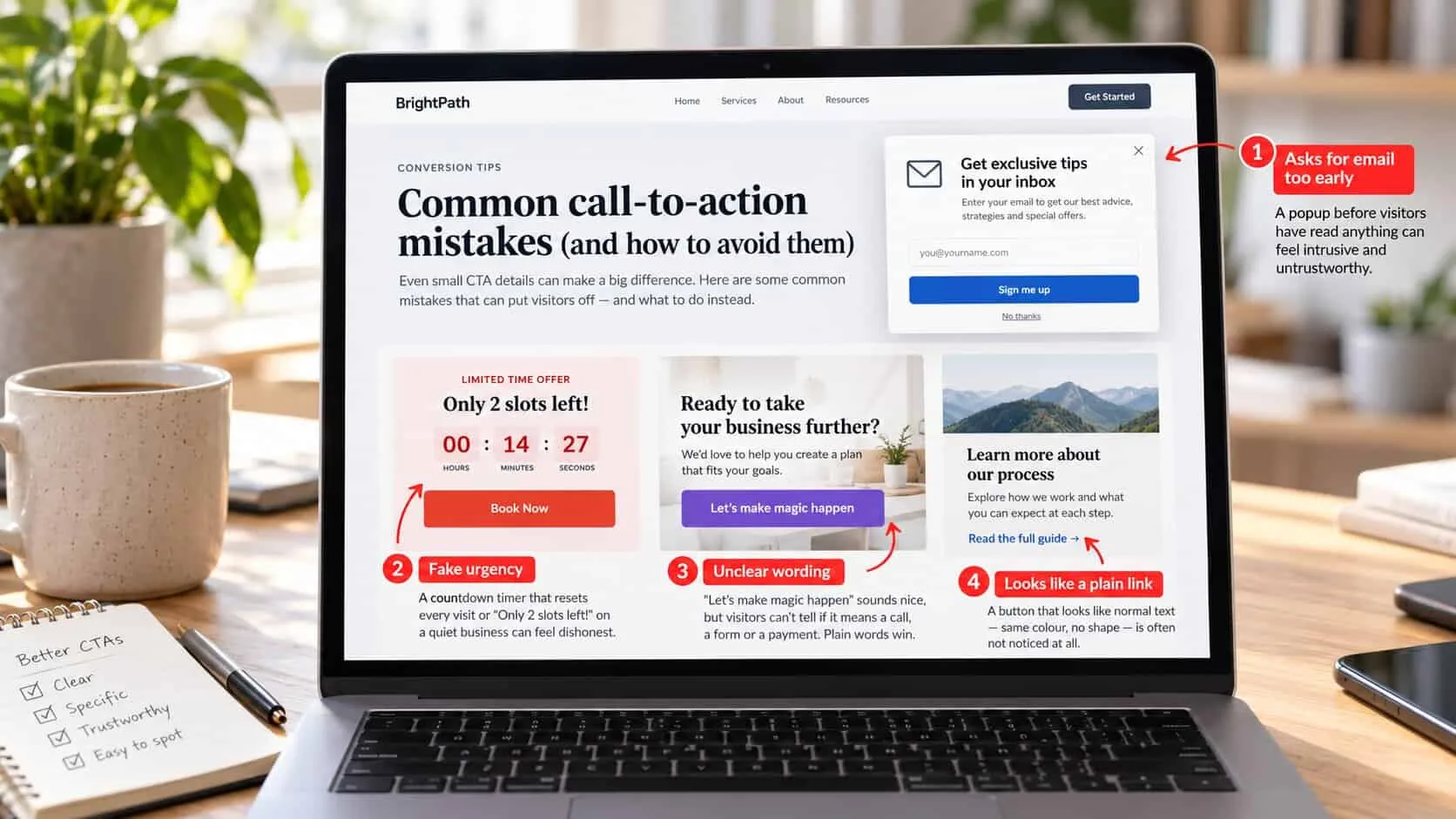
Some things put visitors off the moment they see them: a popup asking for their email before they have read anything, a countdown timer that resets every visit, “Only 2 slots left!” on a business that is obviously not that busy. People have seen these tricks many times and trust the site less because of them.
Clever button wording can backfire too. “Let’s make magic happen” sounds nice in a meeting, but a visitor can’t tell if it means a call, a form or a payment. Plain words win. And a button that looks like a normal text link — same colour, no shape — is often not noticed at all.
Before you publish: a call-to-action checklist
Every “no” is your next thing to fix. Tap the ones you already have — your ticks are saved on this device.
0 of 10 in place
Tap each one your site already has.
Common questions
What is a call to action on a website?
A call to action is the button or link that tells a visitor what to do next — for example “WhatsApp us for a price” or “Book a free site visit”. On a small business website it is usually one main action, repeated at the top, middle and end of each page.
What should my website button say?
Say what the visitor gets, not what they do. “Get my free quote” works better than “Submit”, and “WhatsApp us for today’s price” works better than “Contact us”. Start with a verb, keep it under six words, and use the words your customers use.
How many calls to action should a page have?
One main action, repeated as often as the page needs — usually three or four times on a long page. You can add one smaller, softer option, like “See our prices”, but never several equal buttons fighting for attention.
Is WhatsApp or a form better for a call to action in Malaysia?
For most Malaysian small businesses, WhatsApp gets more enquiries because it is quick and feels less formal. Use it as the main button if you can reply within an hour. Keep a short form as well for people who prefer email or are browsing at night.
What colour should my call-to-action button be?
The colour matters less than the contrast. Use one colour that stands out from the rest of the page and use it only for your main action. If everything on the page is the same bright colour, nothing stands out.
Part of the website conversion guide — turning the visitors you already have into enquiries.
Keep reading
In this series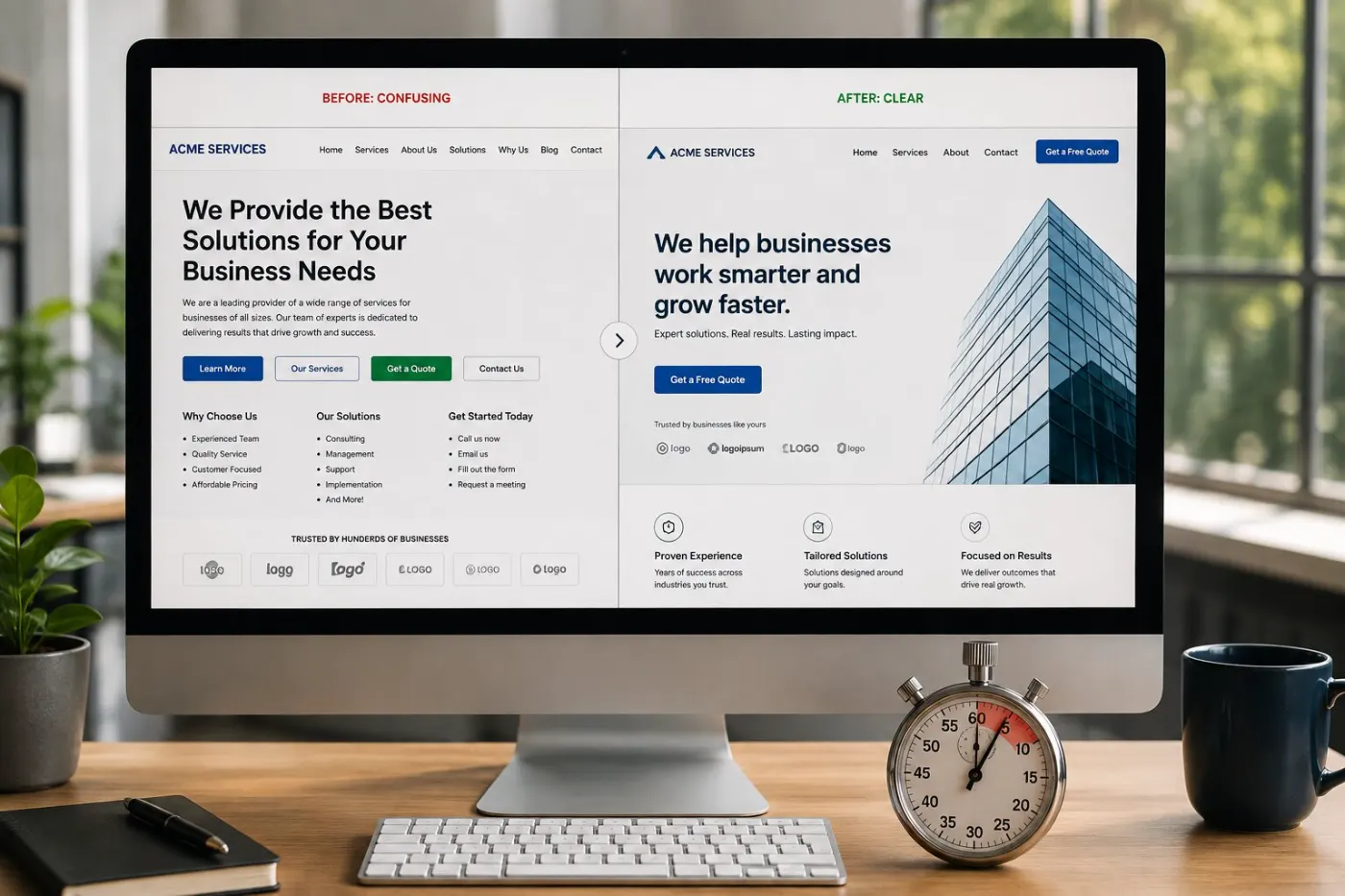
Copywriting
How to write a homepage that converts
The five parts of a good homepage, what each one does, and lines you can change this week.
9 min read
Trust
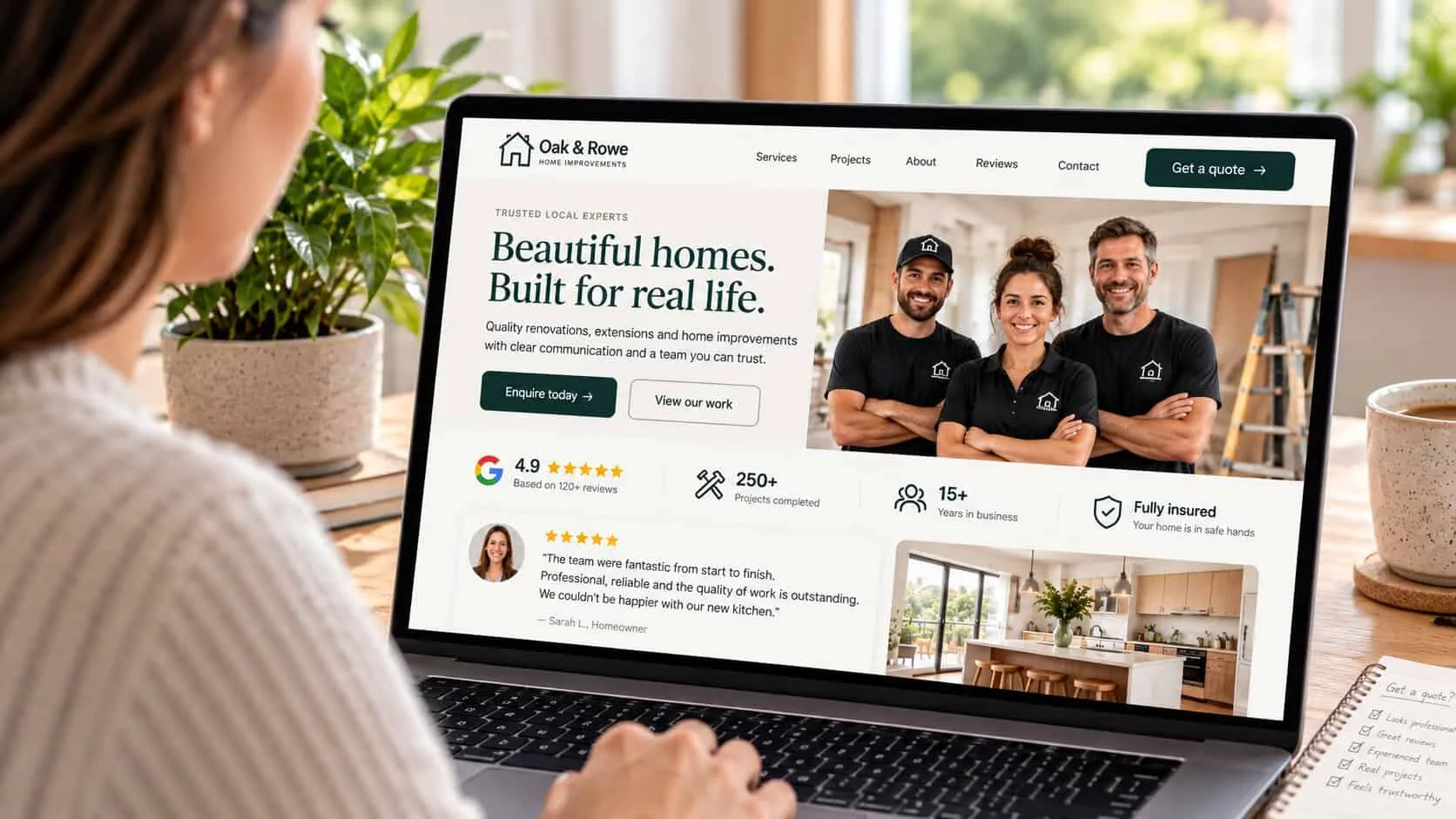
Trust signals that make visitors enquire
Ten things that make customers trust you, where to put each one, and what makes them doubt you.
9 min read
Forms
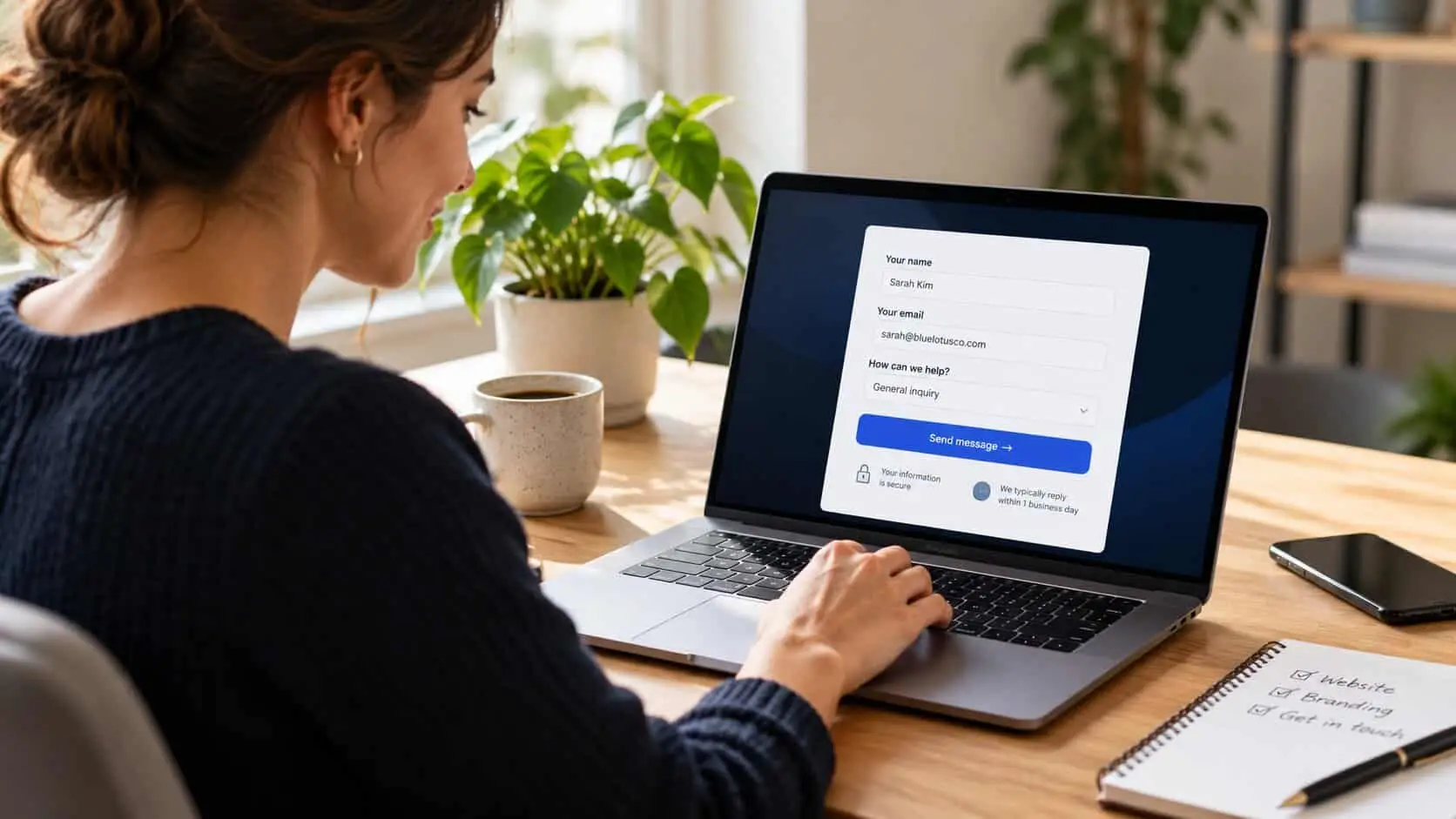
Contact forms people actually finish
Which four questions to ask, nine easy fixes, and how to test your form like a customer.
8 min read