
Why good visitors still don’t enquire
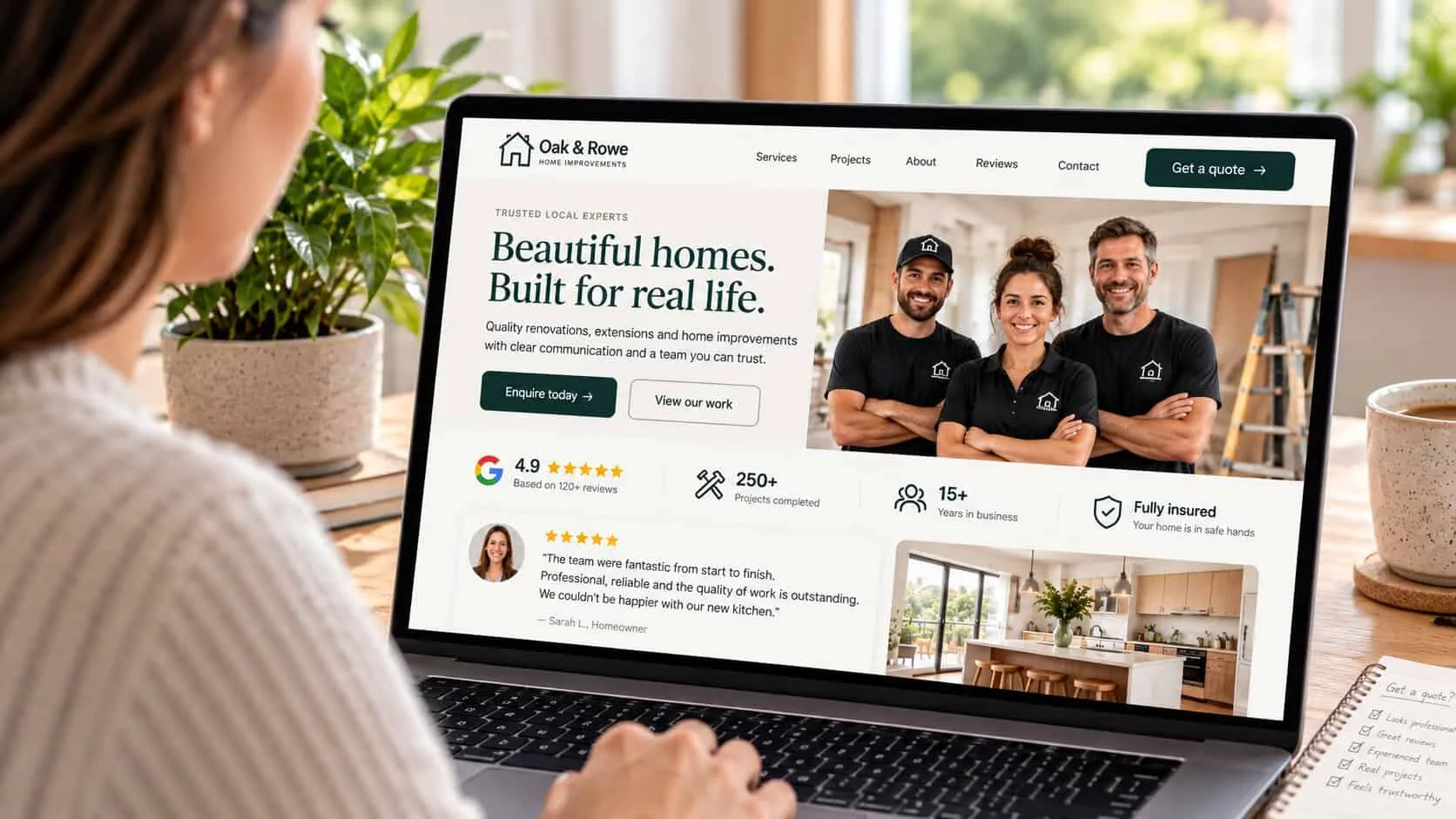
Imagine a customer with three websites open: yours and two competitors. All three look about the same price and offer about the same service. The one they contact is not always the best-looking. It is the one that feels safest.
This is harder for small businesses than for big brands. Nobody doubts that a bank is real. But a visitor does wonder if a contractor, clinic or coach is a real person, if the reviews are real, and if asking for a price will lead to a pushy sales call.
Google looks for the same thing. Its advice on helpful, reliable content says trust is the most important part of how it judges quality. The same details that make a customer feel safe also show Google who is behind the site.
The three questions every visitor needs answered
Every trust signal answers one of three questions. Most sites only answer the second one and forget the first and third. That is why a page full of reviews can still get no enquiries.
| Question | Signals that answer it | Where they go |
|---|---|---|
| Are you real? | A face, a street address, a local phone number, your SSM registration | Footer, contact page, About |
| Are you any good? | Named reviews, before-and-after work, a project count, the clients you serve | Beside each service and its price |
| Is it safe to ask? | A reply time, a rough price, what happens next, no-obligation wording | Right next to the button and the form |
Most owners miss the third row. “Is it safe to ask?” is answered by a reply time, a rough price and the words “no obligation” — right where the visitor is about to tap. How to show that rough price is in should you show prices on your website? It costs nothing to add and often matters the most.

Ten trust signals, in order of impact
Start from the top. Most businesses can do the first five this week, without a designer.
Show who is behind the business
Use a real photo of you or your team, with first names. Customers are choosing people, and a stock photo of a handshake tells them nothing. One real photo on your homepage and About page does more than any badge.
Put reviews next to the decision
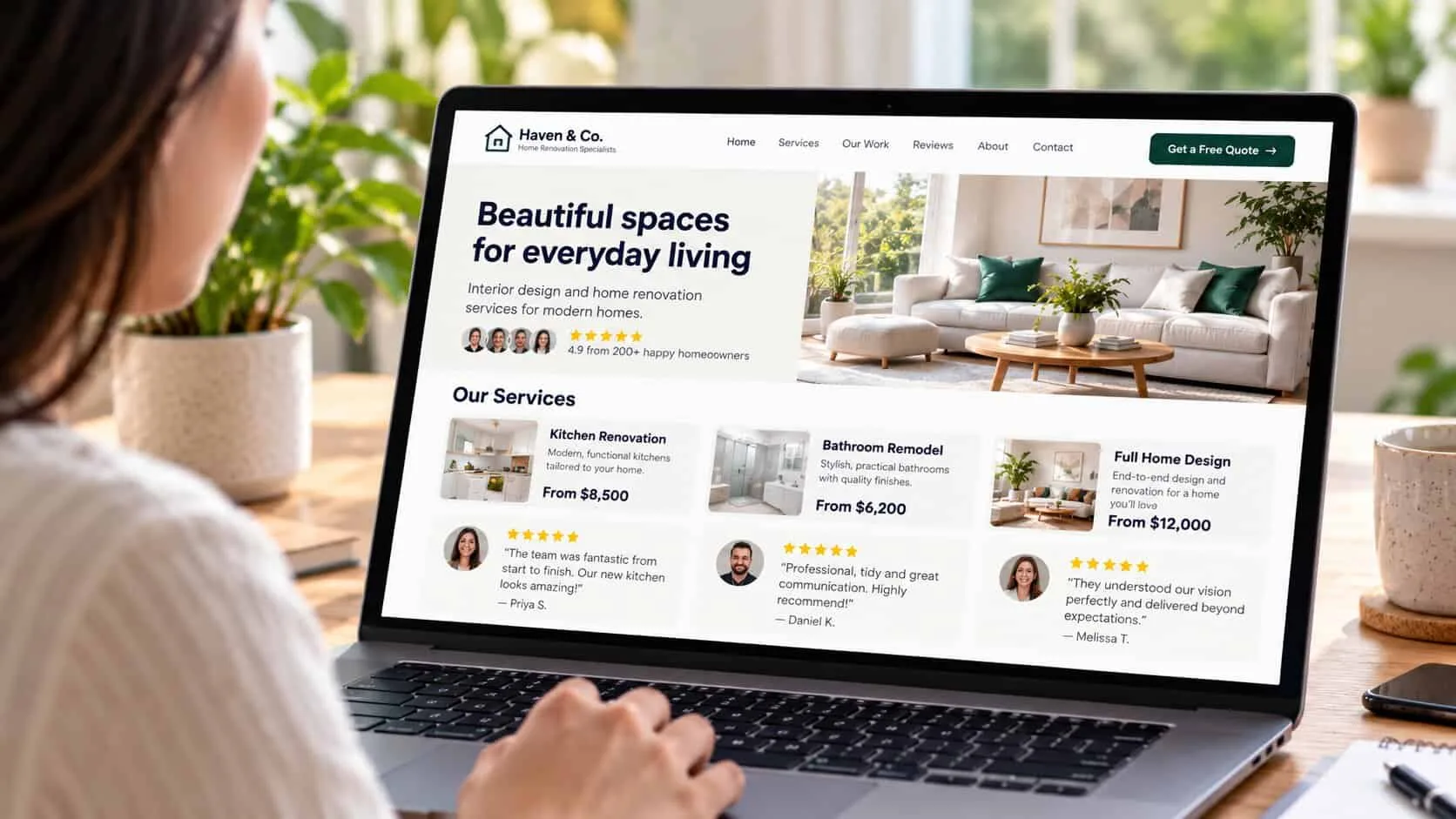
Move your best two or three reviews onto the service page, next to the price and the button. Almost nobody opens a testimonials page before they enquire.
Make every review specific
A name, a business or town, and what changed: “Our enquiries doubled in the first month. Aisyah, Bayu Bakery, Melaka.” Ask clients for one sentence about the result, not about you. Vague praise looks fake, even when it is real.
Link to your Google reviews
Show your star rating and number of reviews, with a link to your Google profile. A rating people can check is worth more than any quote you picked yourself. If you have fewer than ten, see how to get Google reviews.
Show the work, not the adjectives
Before-and-after photos, a finished job, or a short example with one real number. “Fixed a leaking roof in Bukit Beruang, two days, RM 1,800” beats “quality workmanship you can trust”.
Give a price range
A starting price or a typical price range answers the question that stops most enquiries: “Can I afford this, or will I feel embarrassed to ask?” Saying “most jobs are RM 800–2,500” will not scare away good customers.
Say what happens after they ask
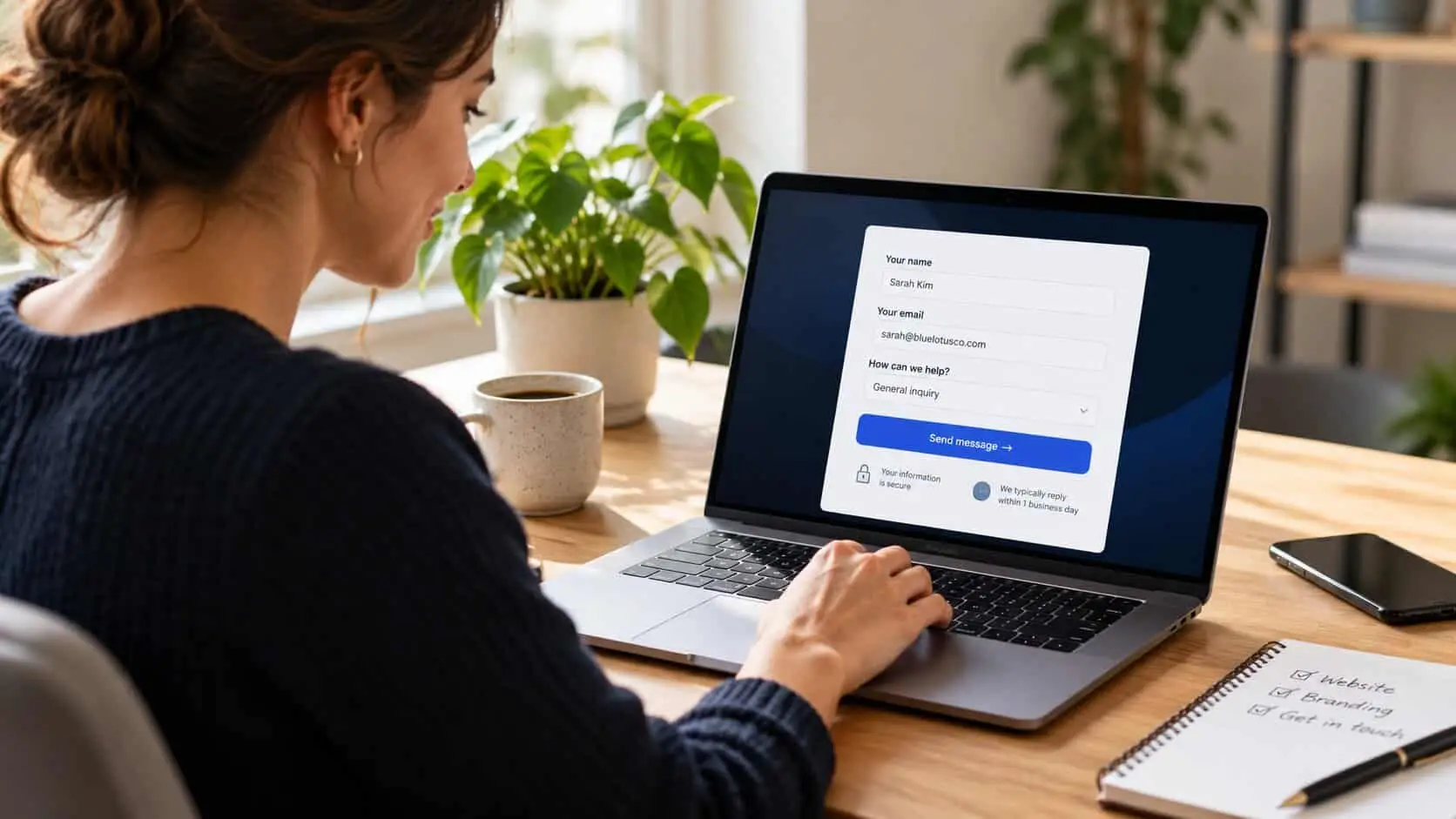
Say who replies, how fast, and that asking is free. Put this line right next to the button. People are often more worried about a pushy sales call than about the work itself.
Prove you are a real, local business
Show a street address, a local phone number, your SSM number in the footer, and a Google Maps link. When a customer is comparing three businesses they don’t know, these details make you look real.
Use badges and logos only if they are true and known
Show a licence, an industry association, a supplier partnership, or well-known clients people will recognise. Skip “100% satisfaction guaranteed” badges and unknown award logos — they look fake.
Keep the site looking alive
Keep the copyright year current, show a recent project or post, fix broken links, and use HTTPS. If your site looks abandoned, people will wonder if your business is too.
Quick check: would a stranger trust your site?
5 questions · 30 secondsOpen your website on your phone, then answer honestly.
Put proof where people decide
Where you put proof matters as much as what it says. People decide in three places: when they read about a service, when they see the price, and when they reach the button. Each place needs some proof close by.
On a service page, put one review right under the price and another next to the last button. On the homepage, add a short line of proof under the headline, like your rating and number of projects. On the contact form, add your reply time and one short review just above the button. Your About page is the other place people check before they decide: see how to write an About Us page that builds trust.
Swap these lines
Instead of
“Trusted by hundreds of happy customers”
Try
“312 jobs across Melaka since 2014. Here are three from last month.”
Instead of
“Great service, highly recommended!” (no name)
Try
“They replied the same afternoon and finished in two days. Daniel, Ayer Keroh.”
Instead of
“Contact us for a quote”
Try
“Most jobs are RM 800–2,500. Tell us what you need and we’ll reply today with a firm price.”
Instead of
“We are a dynamic team of passionate professionals”
Try
“I’m Hafiz. I do every job myself, with one assistant, and I answer this phone.”
What quietly costs you trust
Some things work against you: stock photos of smiling people in suits, reviews with no names, “10,000+ happy clients” on a business that started last year, or a “limited time” banner that never changes. People have seen these on many sites and don’t believe them. See stock photos vs real photos for which photos must be yours.
An uncared-for site does the same damage quietly: a 2019 copyright year, a blog with no posts for two years, a broken link in the menu, or a WhatsApp button with an old number. These look small to you. To a customer, they suggest a business that might not reply.
Never write or buy fake reviews. Besides the risk to your Google listing under Google’s policy on fake engagement, fake reviews usually sound fake. Three real, detailed reviews are worth more than thirty you wrote yourself.
Before you publish: a trust signal checklist
Every “no” is your next thing to fix. Tap the ones you already have — your ticks are saved on this device.
0 of 10 in place
Tap each one your site already has.
Common questions
What are trust signals on a website?
Trust signals are the details that show visitors your business is real, good at what it does, and safe to contact. For a small business that means a real photo, named reviews, examples of finished work, a price range, a reply-time promise, and a real address and phone number.
Where should I put testimonials on my website?
Put them where people decide. Add two or three on each service page next to the price and the button, and one near the contact form. Few people visit a separate testimonials page before they enquire, so reviews there do little.
How many reviews do I need on my website?
Two or three good ones on each page is enough. Detail matters more than numbers: a name, a place and a result. Link to your Google Business Profile so visitors can see the full count for themselves.
Do trust badges increase conversions for small businesses?
Only if they are real and people recognise them, like a licence, an industry association or a well-known client. Generic guarantee badges and unknown award logos can make a small business look less trustworthy.
Should I show prices on my small business website?
Usually yes — as a starting price or a typical range. Not knowing the price stops more people than seeing it. A price range also filters out people who were never a good fit, so you get better enquiries.
Part of the website conversion guide — turning the visitors you already have into enquiries.
Keep reading
In this series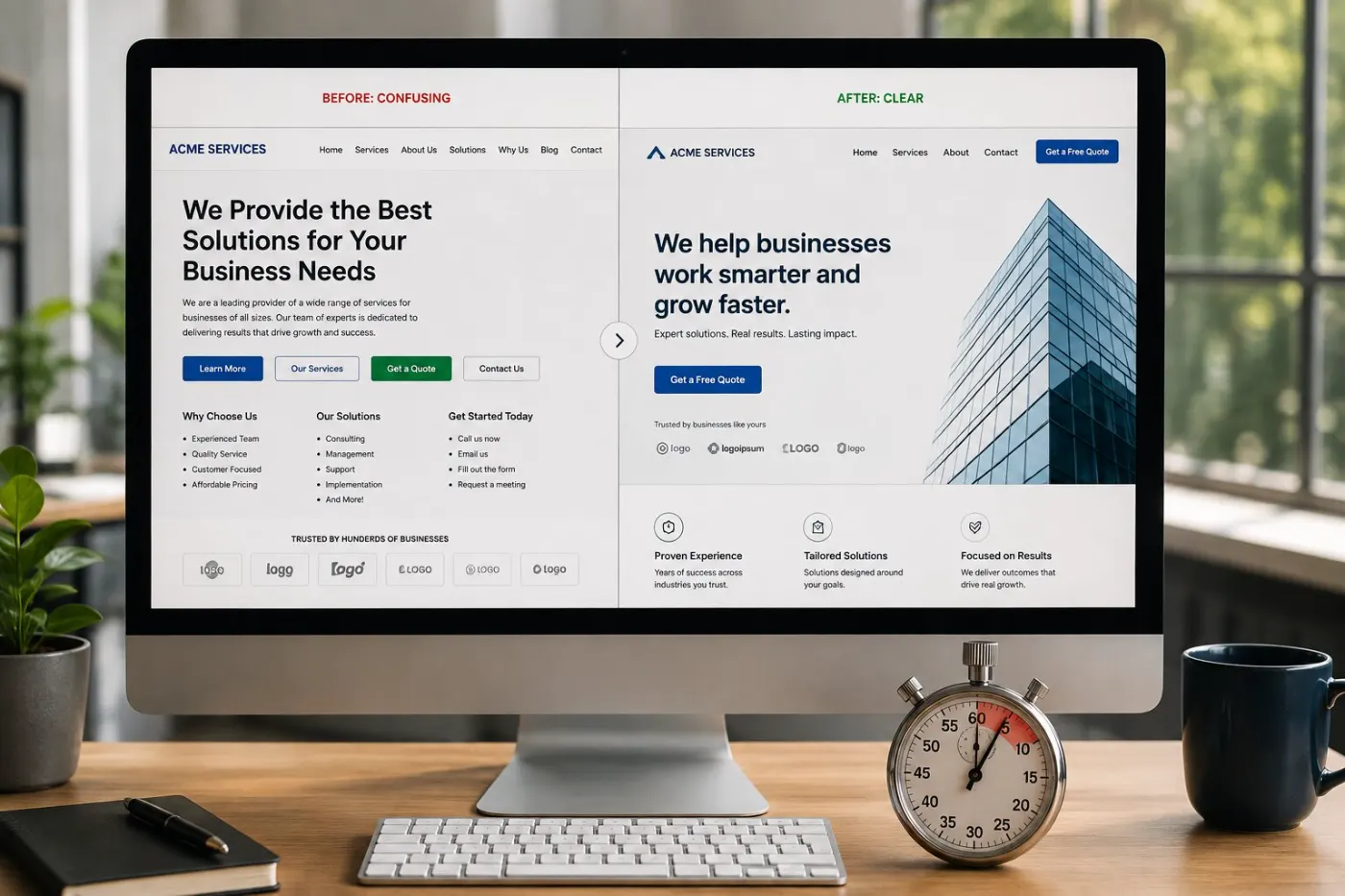
Copywriting
How to write a homepage that converts
The five parts of a good homepage, what each one does, and lines you can change this week.
9 min read

Copywriting
How to write a service page that converts
The seven parts every service page needs, how to talk about price, and lines you can copy today.
10 min read
Service pages
Contact forms people actually finish
Which four questions to ask, nine easy fixes, and how to test your form like a customer.
8 min read