
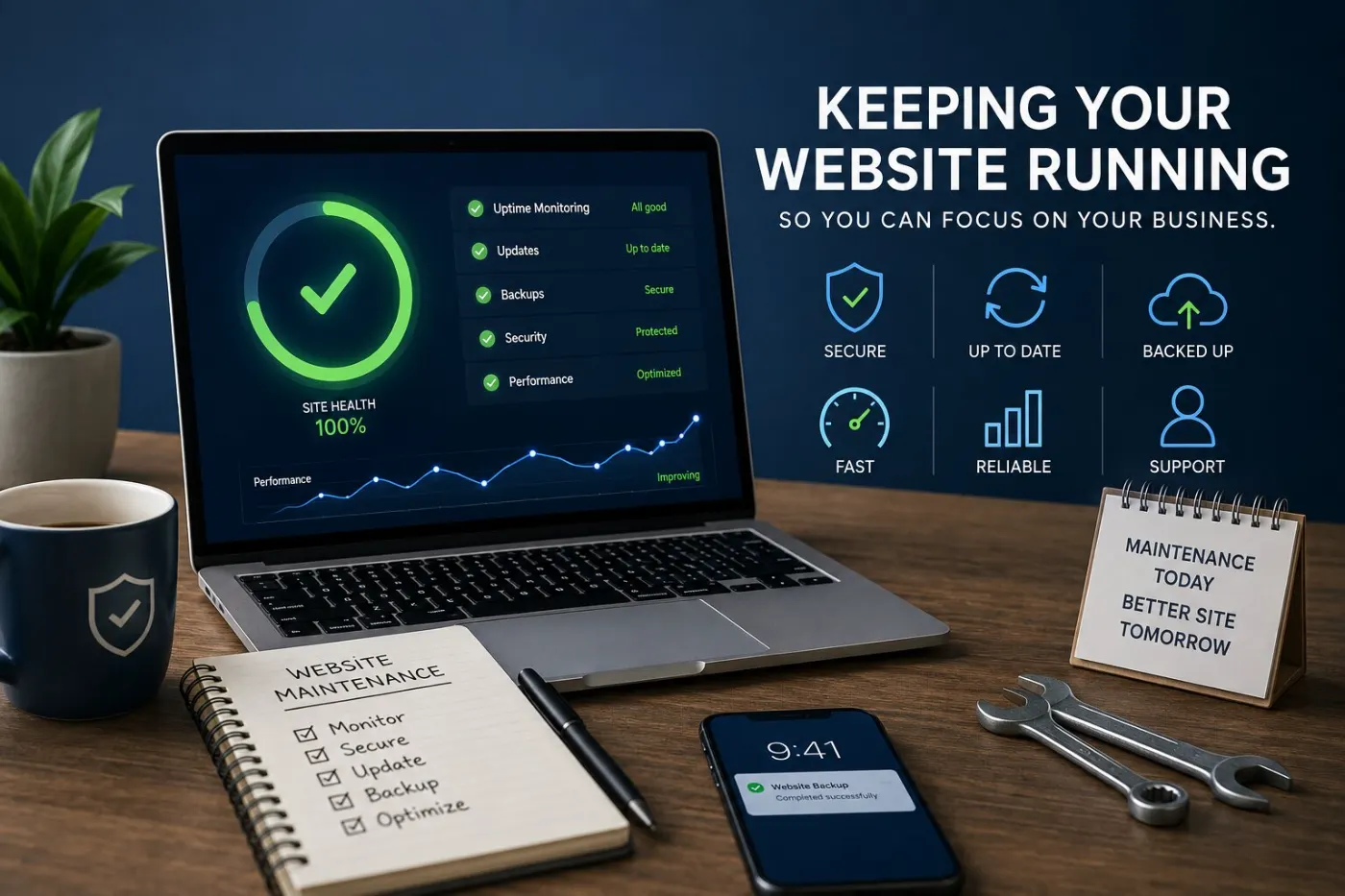
A website is not a purchase. It is something you own.
Websites don’t stay the same. Hosting expires, security certificates run out, plugins get old, the contact form stops sending, and a browser update breaks a layout that worked for three years. None of this gives a warning. You find out when a customer tells you, or when you notice enquiries stopped a month ago.
Most sites I am asked to rescue were not badly built. They were built well, then left alone for four years. Fixing them almost always costs more than maintenance would have — first in lost enquiries, then in repair bills.
This series shows what really needs checking, how often, and what is fair to pay for it.
The realistic version
What needs looking at, and how often
Send yourself one. A form that fails silently is the most expensive fault there is.Monthly · 2 min
On mobile data, not your office wifi. Most visitors are on worse connections than you.Monthly · 2 min
An untested backup is a rumour. Restore it somewhere safe and see.Quarterly
On a copy first if the site earns money. The update that breaks things always looks routine.Monthly
Set a reminder two months out. An expired domain can be a genuine emergency.Annually
Sites get slower by accretion — one image, one script, one plugin at a time.Quarterly
The most-read details on the site, and the most often out of date.As they change
Do it yourself, or pay someone?
The first three items above take about ten minutes a month and need no technical skill. Do them yourself — they catch the problems that cost real money.
Pay for the rest if your site brings you business: updates that can break a live site, backups that are tested, and speed work that needs experience. A care plan is cheap protection against panic calls later.
Be careful of a monthly plan that only sends a PDF report. You are paying for someone to notice problems, fix them, and tell you clearly what they did.

Shortcut
Not sure what your site needs right now?
Send me your website link. I’ll check the form, speed, padlock and setup, and tell you the three things to fix first — free, within 48 hours.
Get my free auditWhat good looks like
Good maintenance is boring and almost invisible — that is why people stop doing it. These five things show the difference between a site that is looked after and one that is just still online.
Someone owns it, by name
Not “the web guy” and not “we both check it”. One person is in charge of the monthly check and knows who to call when they need help. Sites break when two people each think the other is checking.
The backup has been restored at least once
Everyone has backups. Almost nobody has tried using one. Restore a copy to a test address once, and in one afternoon you find out if you are really protected — instead of finding out when your site is down. How to do it, step by step, is in website backups and SSL.
The enquiry form is tested on a schedule
Send yourself a real enquiry on the first day of every month. Forms can stop working after updates, hosting changes or email problems — without warning. Customers never tell you the form is broken. They just think you didn’t reply.
Updates happen on a copy first
Anything that might break the live site is tried first on a test copy, checked, then made live. This is the difference between a site that updates smoothly for years and one that goes down on a Friday afternoon.
Content has a quiet expiry date
Prices, opening hours, staff, service areas, and any year written on the page. Reading through every three months catches small details that make an active business look abandoned — and stops people coming when you are closed.
What breaks, when, and who should handle it
None of this feels urgent on any day, so it all gets delayed. The right column shows what delaying costs — and almost none of it gives a warning.
| What | How often | Risk if skipped | What skipping it costs |
|---|---|---|---|
| You · ten minutes a month | |||
| Enquiry form | Monthly | High | Weeks or months of enquiries lost without you knowing. The most costly problem on this list, and the easiest to check. |
| Domain and SSL renewal | Yearly, in your diary | High | A site that disappears, or a browser warning telling every visitor your site is not safe. Getting back an expired domain can take weeks. |
| Content accuracy | Quarterly | Medium | Customers come when you are closed, quote old prices, or ask for staff who left. It looks like the business has stopped caring. |
| Paid help | |||
| Platform and plugin updates | Monthly | High | Known security problems left open, then a hacked site, a warning on Google, and a clean-up that costs more than years of maintenance. |
| Backups, plus one test restore | Monthly · test yearly | High | Building again from zero and paying for the site twice. An untested backup usually fails when you need it most. |
| Mobile page speed | Quarterly | Medium | Enquiries slowly drop and nobody blames the website. Large images added over time are the usual cause. |
Put the yearly items in your calendar today, with a reminder one month before. Renewal dates are the only thing on this list that can take your whole site offline at once.
What it costs to keep a site running
Typical prices in Malaysia in 2026. Every site pays the first row. After that you pick one way to handle the rest. A simple static site sits at the bottom of each range. WordPress with plugins, bookings or a shop sits at the top.
| Option | Typical cost | Checks | Updates | Backups | Watching | Speed | Verdict | |
|---|---|---|---|---|---|---|---|---|
| Every site paysRM 300–1,000 a yearDomain, hosting and the security certificate (often included with hosting). Not optional. | ||||||||
| Pick one | ||||||||
| Do it yourselfA static site that rarely changes | RM 010 minutes a month | ✓ | – | – | – | – | Fine for static | |
| Basic care planMost small business sites | RM 150–400a month | ✓ | ✓ | ✓monthly | ✓ | – | Right for most | |
| Full care planSites that take bookings, payments or post often | RM 400–1,200a month | ✓ | ✓tested | ✓weekly | ✓ | ✓ | For busy sites | |
| Avoid | ||||||||
| Pay per fixNobody, in the long run | RM 150–350an hour, when it breaksCleaning up a hacked site often runs RM 800–3,000. | – | – | – | – | – | Costs most | |
Checks: form test, phone check, renewal dates. Watching: someone alerted when the site goes down. Speed: ongoing speed and security work.
Before you sign a plan, ask three things: what exactly is included, how fast they reply when the site is down, and when they last tested a restore. A plan that can’t answer the third question is selling reports, not protection. For comparison, my own care plan for a one-page site is USD 49 a month (about RM 210). Running costs for a new build are covered in website design cost in Malaysia, and why WordPress costs more to keep is in WordPress vs static website. The full breakdown, with three sample yearly budgets, is in what website maintenance really costs.
Live now
Read these

Security
Website backups and SSL
What a good backup looks like, how to test a restore, and why SSL expires.
7 min read
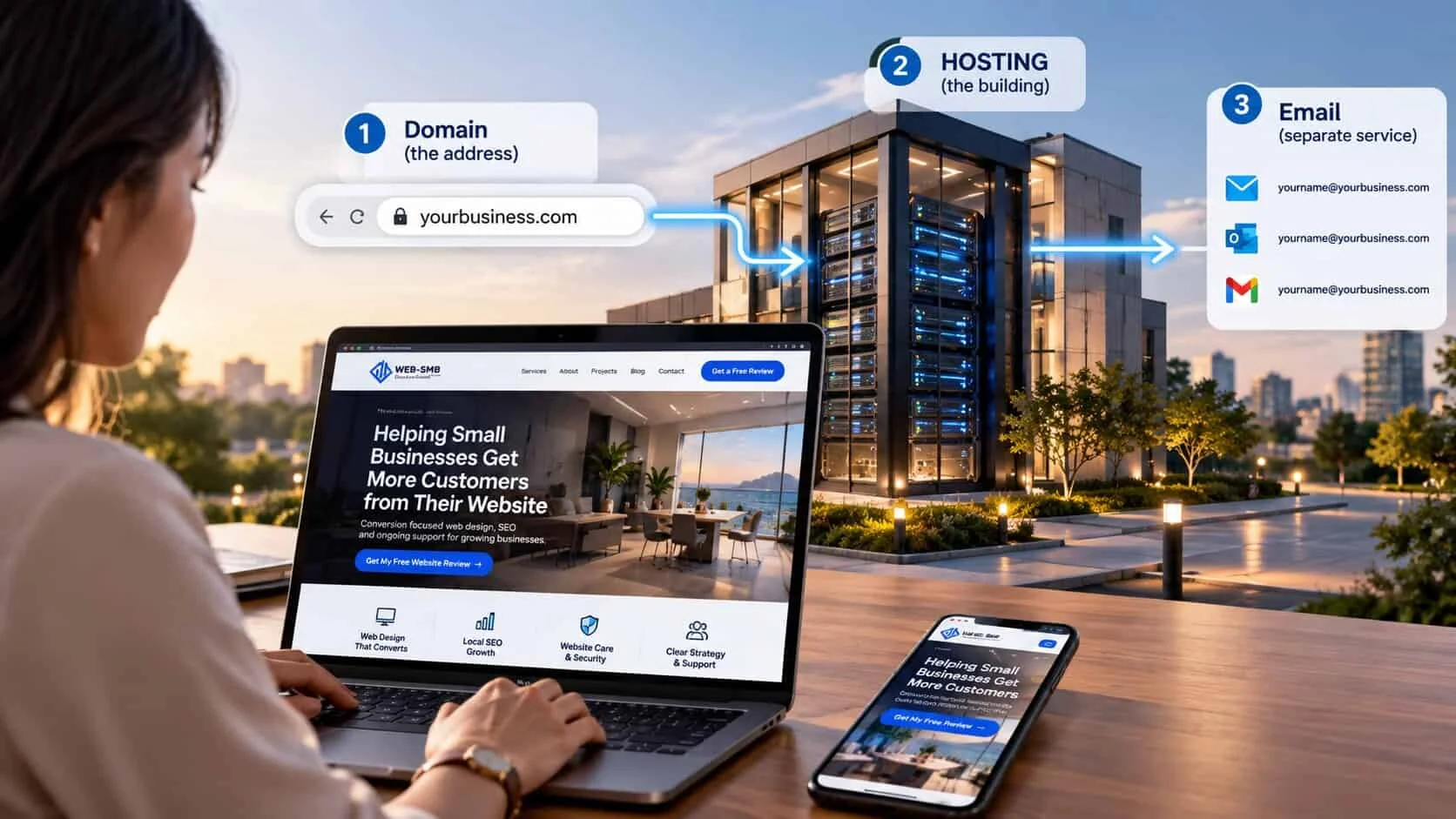
Hosting
Website hosting for small business
The four types, RM prices, and what to look for in a host.
8 min read
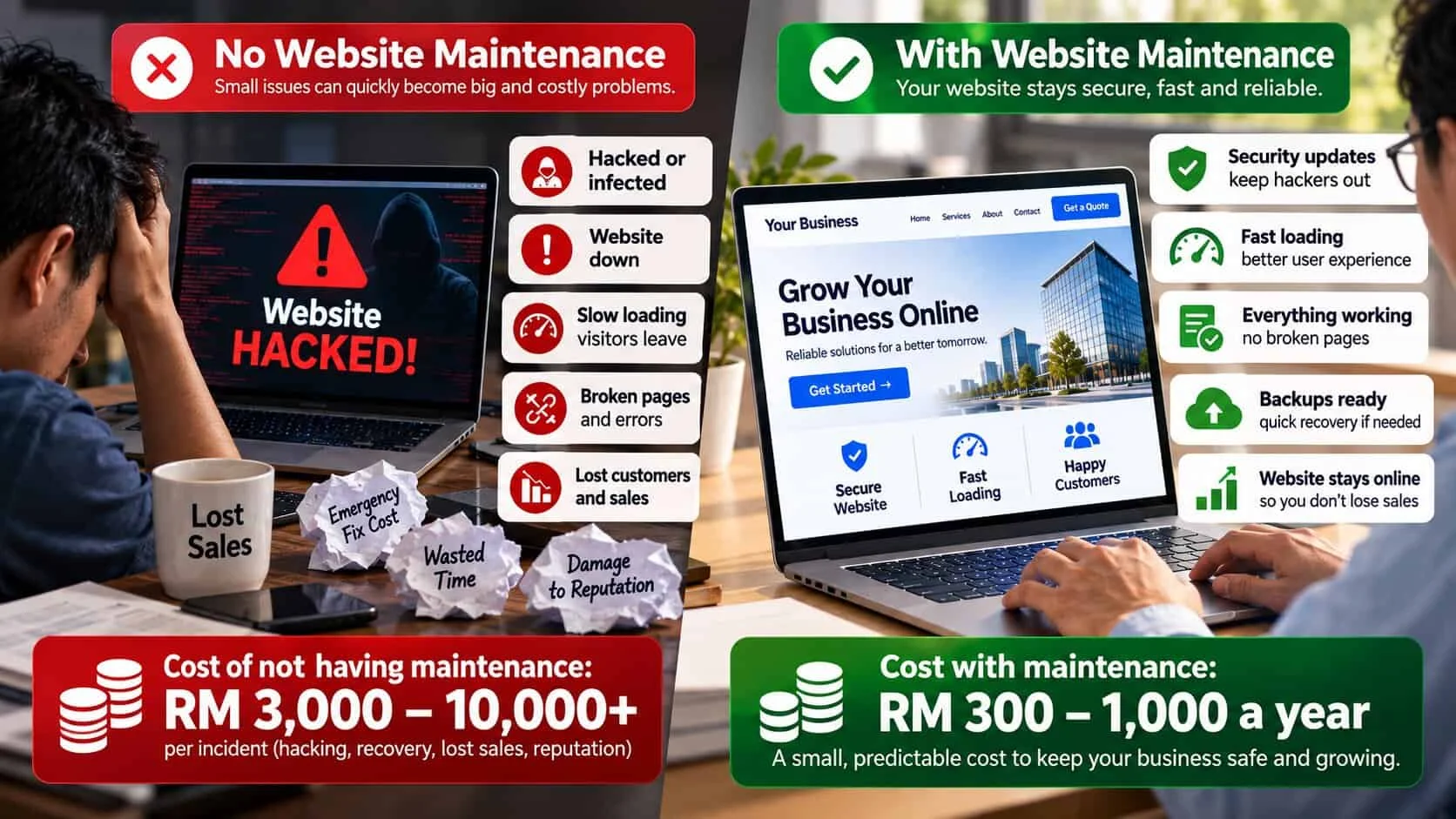
Costs
What website maintenance really costs
Domain, hosting and care plan prices in ringgit, with three sample yearly budgets.
8 min read
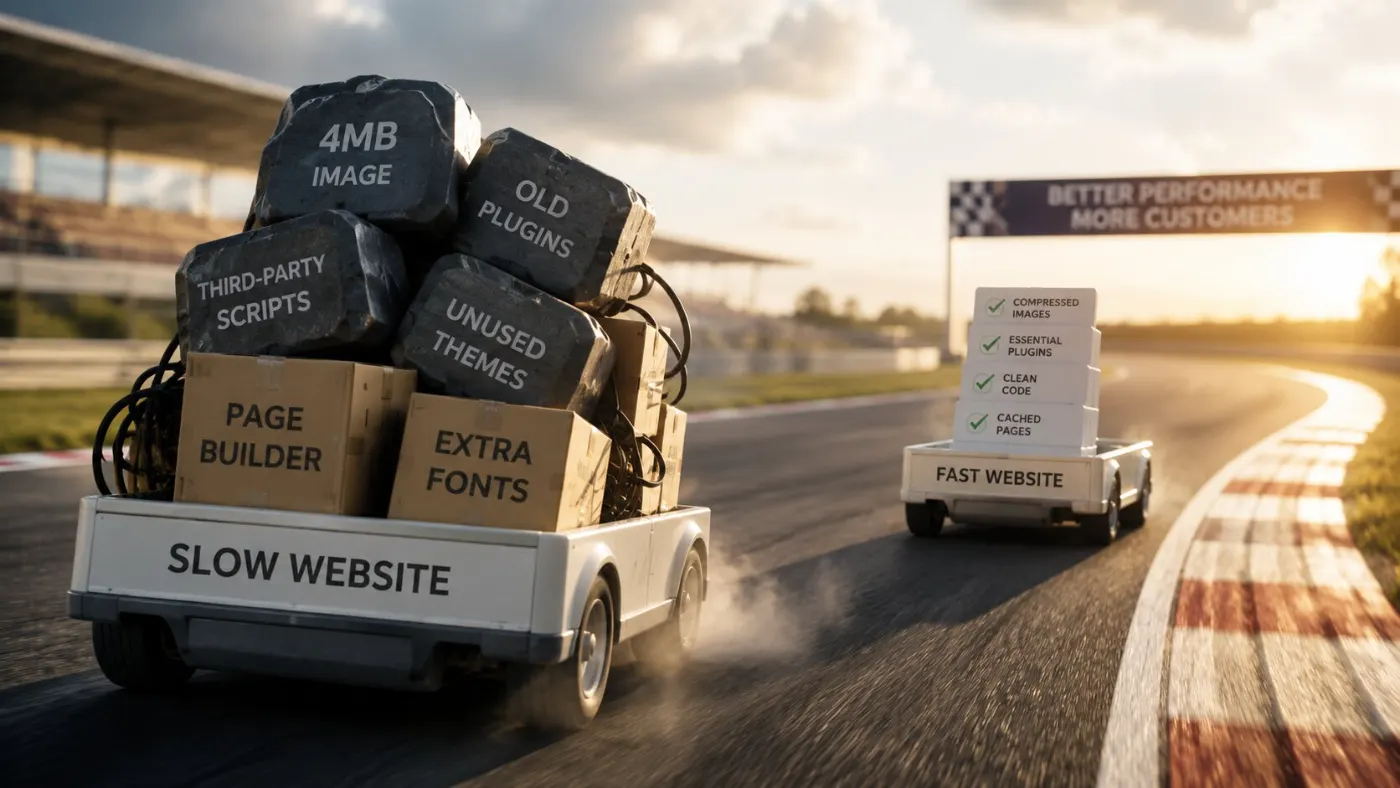
Technical
Website speed optimization for small business
Five reasons your site is slow, the free fixes you can do yourself, and which ones to pay for.
7 min read

Checklist
The 14-point website checklist
Useful as a maintenance sweep too — run it against your own site once a year.
7 min read
Questions owners ask about upkeep
What should website maintenance cost?
Every site pays RM 300 to RM 1,000 a year for domain and hosting. On top of that, a basic care plan in Malaysia usually costs RM 150 to RM 400 a month, and a full plan for WordPress sites with bookings or a shop RM 400 to RM 1,200. The monthly checks that catch most problems — test the form, check the site loads, check renewal dates — cost nothing but ten minutes. Compare any quote with the value of one lost customer a year. If the plan costs less, it pays for itself the first time it catches a problem.
Can I maintain the site myself?
The first three checks, yes — and you should. Nobody notices a broken form faster than the person waiting for enquiries. Give someone else anything that can break the site: system and plugin updates, backups, and server work. It is not about skill — it is about who is there when something breaks at 9pm on a Saturday.
How often do I need backups, and where should they live?
Monthly for a site that rarely changes, weekly if you post often or take bookings. Never keep backups only on the same server as the site — if the account is hacked or suspended, you lose both. Most people skip testing a restore. An untested backup is just hope, not a backup.
What actually happens if I do nothing for two years?
Usually nothing big at first, then everything at once. The security certificate expires and browsers warn visitors away. The form stops sending after a plugin update. The site still shows last year’s prices and a staff member who left. None of it gives a warning — you just notice fewer calls and blame the economy.
My site has not changed. Why does it need updating?
The site doesn’t change, but everything around it does. Browsers change, hosting moves to newer software, and plugins and themes get security fixes — even if you never edit a page. Sites left alone break the worst, because two years of updates arrive at once.
Who should own my domain and hosting?
You — in your own account, with your own login. Always. Many small businesses find out during a dispute that their domain belongs to an old designer, and getting it back is slow, costly, and sometimes impossible. How to check and fix it is in hosting and domains in Malaysia. Your designer can manage it, but should not own it. Check this today, not when you need it.
Is WordPress harder to maintain than a simple static site?
Yes, a lot. WordPress is worth it when you post often or need bookings and memberships, but it always needs updates, plugin fixes and security work. A static site has almost nothing to hack and almost no maintenance, but you need someone to make changes for you. Choose based on how often your site really changes.