
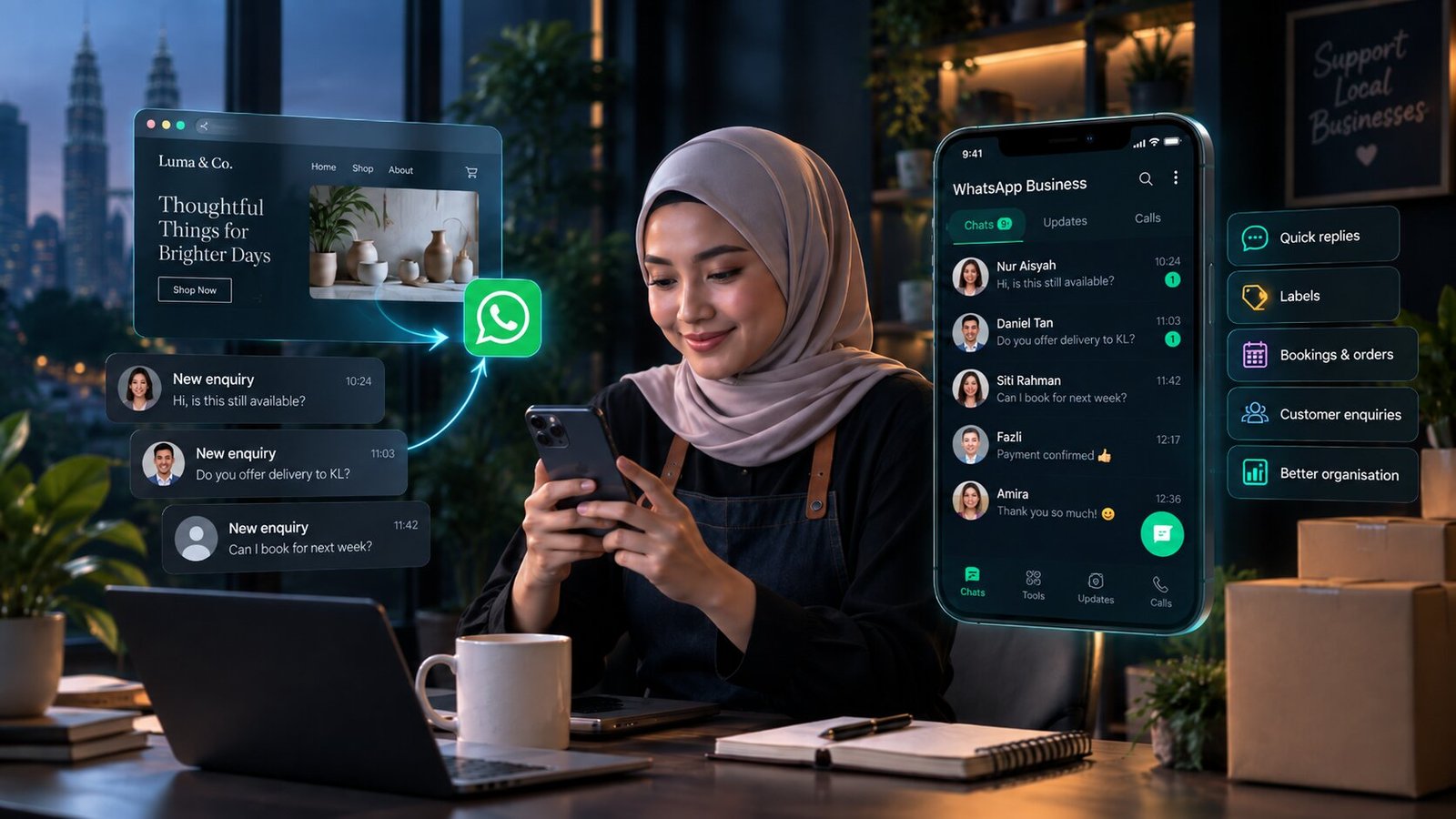
Is WhatsApp enough, or do you still need a website?
This is the question I get most often, usually from someone whose entire business already runs through their phone. Bookings, quotes, documents, follow-ups — all of it in chat, and it works. So why pay for a website?
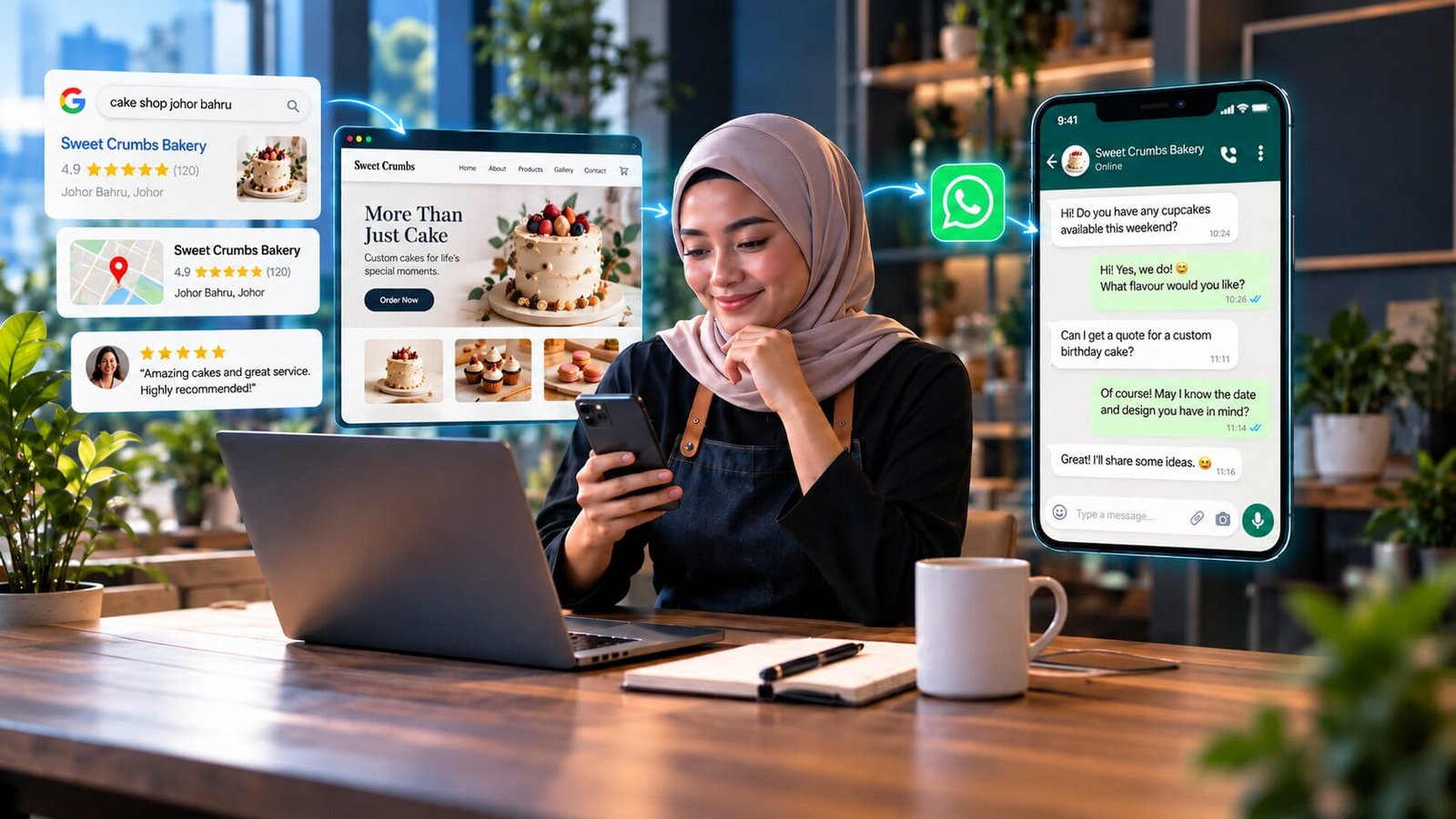
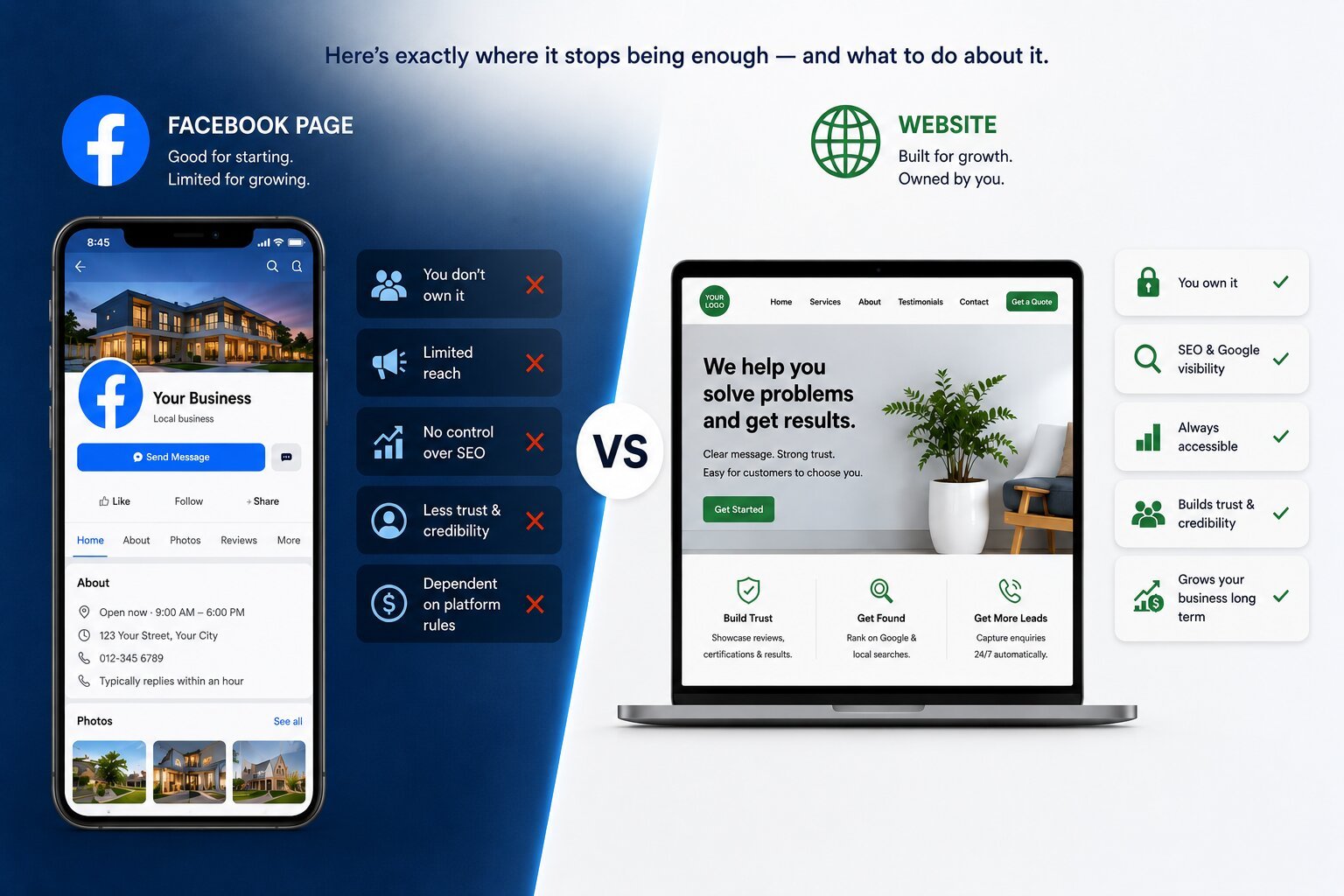
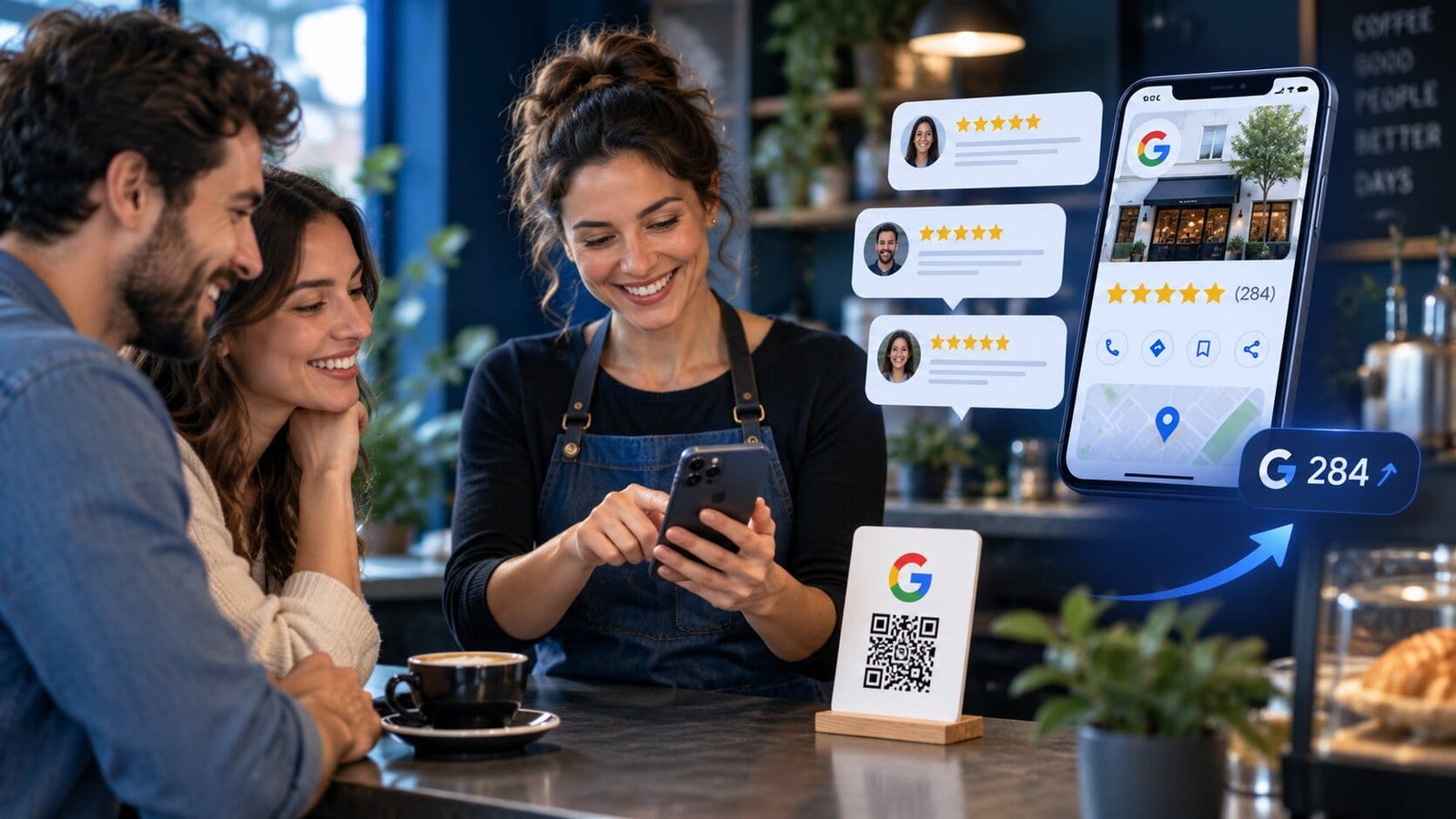
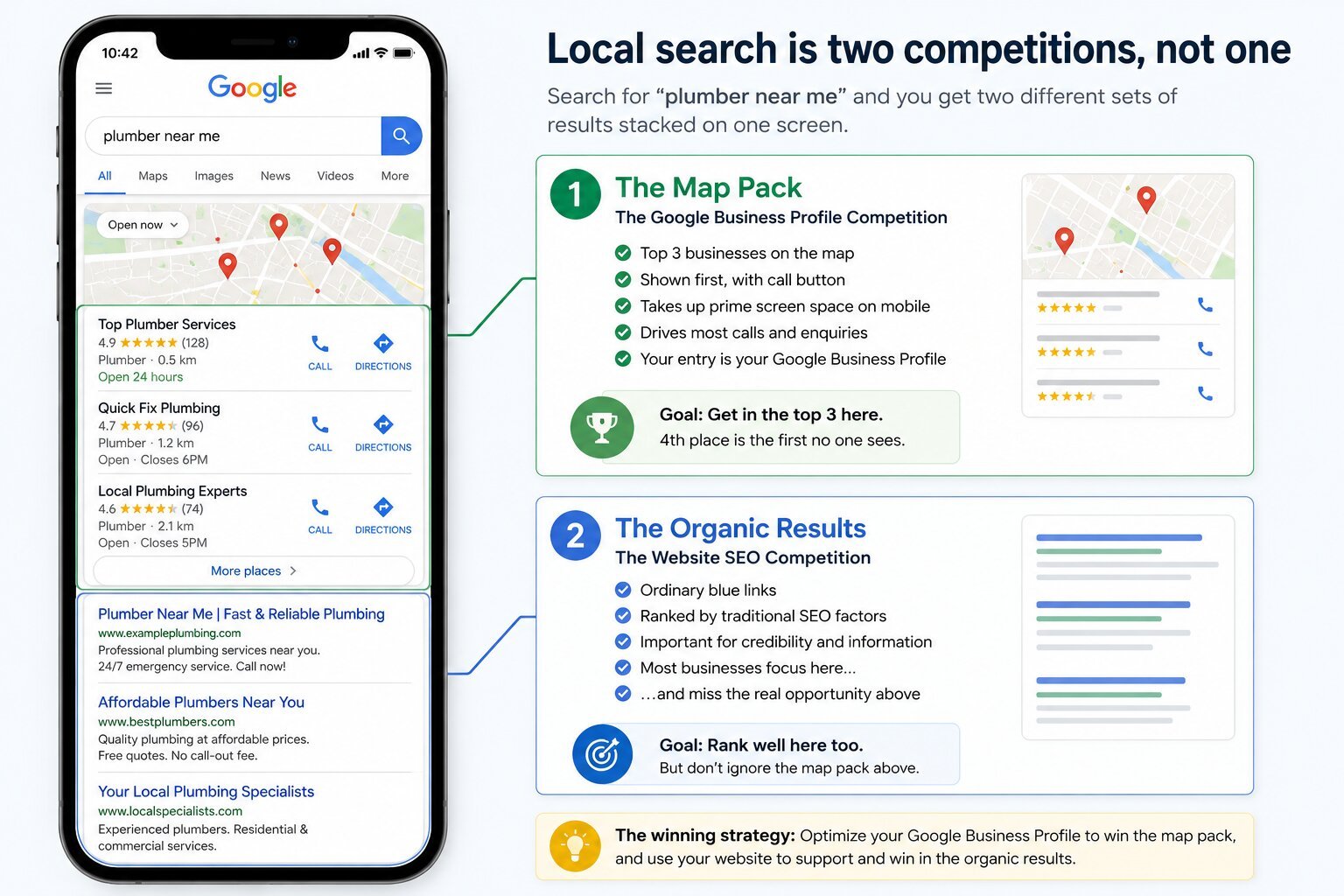
Because WhatsApp is a conversation tool, not a discovery tool. Nobody opens WhatsApp and searches for an accountant in Johor Bahru. They search on Google, they look at the map listings, they read a few reviews, and only then do they message someone. Every one of those steps happens outside WhatsApp, and if you are absent from them, the conversation never starts.
There is a second problem, and in professional services it is the bigger one. Messaging a stranger is not a small act. Before someone sends you a WhatsApp message about their company accounts or a contract dispute, they want to know who you are, whether you handle their kind of work, and whether you are still in business. A phone number answers none of that. A page that names the services, shows the firm, lists the credentials and puts a face to the name answers all of it in thirty seconds — and it is the reason the message gets sent at all.
So the honest answer is that they do different jobs, and the businesses that struggle are the ones asking one tool to do both. If you run on WhatsApp alone, you will keep getting enquiries from people who already knew you — referrals, repeat clients, the odd contact passed along. What you will not get is the stranger who searched at 11pm, because they never found you, and if they had, they would have had nothing to go on.
| The job | Your website | |
|---|---|---|
| Being found by someone who does not know you | No. There is nothing to search. | Yes — this is the whole point of it. |
| Proving you are real and qualified | A profile photo and a name. That is the extent of it. | Services, credentials, client work, a named person, real reviews. |
| Answering the price question before you speak | Only by replying, one person at a time. | Once, in writing, filtering out the wrong enquiries while you sleep. |
| Starting the conversation with low commitment | Better than anything else. No form, no waiting, familiar to everyone. | A form is more effort, and slower to feel answered. |
| Keeping a record you can rely on later | Tied to one phone. Lost with the device, hard to hand over. | Form submissions land in email, where they can be searched and kept. |
| Working while you are asleep | An away message, and nothing more. | The full case for hiring you, available at any hour. |
Read the two columns together and the division of labour is obvious: the site does the finding and the convincing, WhatsApp does the talking. The rest of this guide is about making the handover between them clean.
Switch to WhatsApp Business — it takes ten minutes
If client enquiries are arriving in the same app as your family group chat, you are working with one hand tied. WhatsApp Business is a separate free app, the chats behave identically, and it adds the handful of things that make a number feel like a business. Installing it and signing in with your existing number brings your chat history across; the personal app simply releases that number. If you would rather keep the two lives apart, register the business app to a second number and run both apps side by side.
Business name exactly as it appears on your website and your Google listing, category, address if clients visit, opening hours, and your website link. When someone messages a number they have never saved, this profile is all they see — and it is where they check that they have the right firm.
The greeting fires on a first message; the away message covers the hours you are not there. Between them they stop the silence that loses enquiries. Wording is below — do not leave the defaults in place.
These are saved answers you insert with a shortcut. For an accounting or consulting practice: your fee structure, the documents you need to quote, where you are and how meetings work, and your bank or billing details. You answer these every week — type them well once.
New enquiry, quoted, active client, dormant. It sounds like bureaucracy until the month you have thirty open chats and cannot remember which four people are waiting on you. Labels are the difference between a chat app and a pipeline.
The catalogue was built for shops, but it works for a practice: one entry per service — company secretarial, annual compliance, payroll, advisory — each with a plain description and a starting fee or "quoted per engagement". You then answer "what do you do?" by sending a catalogue item instead of a paragraph.
Ten minutes of setup, and the app starts doing work you were doing by hand. The catalogue and quick replies also expose something useful: if you cannot describe a service in two sentences with a price attached, that is usually a sign the service page on your website has the same problem.
Messages you can paste in today
Each of these does one job: tell the person they have reached the right place, tell them when to expect a human, and ask the one question that saves a round trip. Swap in your own details — the structure matters more than the wording.
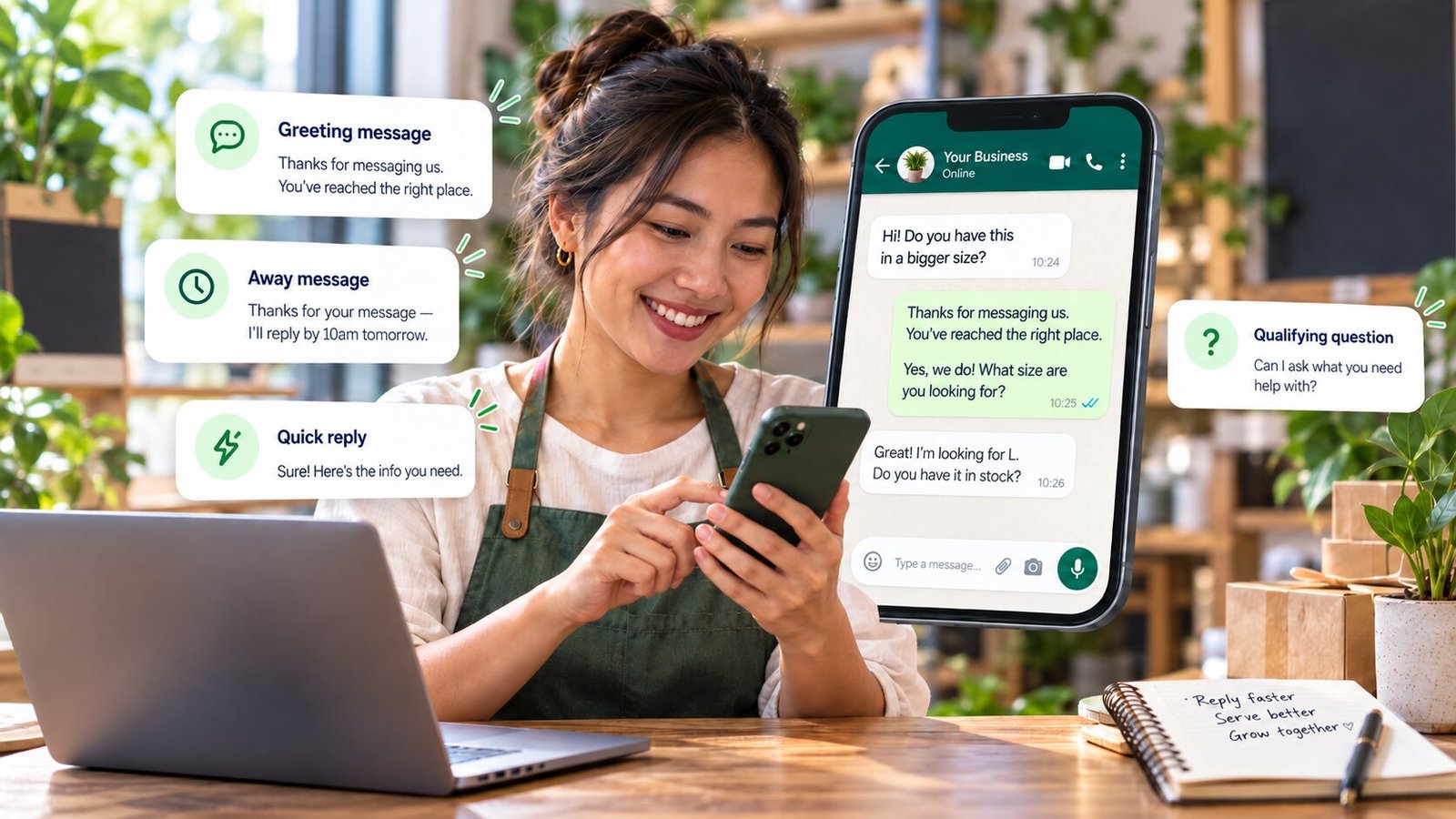
Notice what every one of these does: it ends with a question or a next step. An enquiry that receives an answer and no question tends to stop there, and a chat that goes quiet after one exchange is the most common way a warm enquiry dies.
Your WhatsApp link, built properly
Never ask a website visitor to save your number and open another app. A wa.me link opens a chat with you in one tap, from any phone, with the first message already written. This is the single most useful thing in this guide, and it takes two minutes.
Drop the leading zero, put the country code in front, remove everything else. 016-630 6922 becomes 60166306922. No plus sign, no spaces, no dashes — this is where most broken links come from.
That link on its own already works. It opens a chat with your business whether or not the person has your contact saved.
Append ?text= and your sentence, with %20 in place of every space. Stick to plain letters, numbers and commas — dashes, apostrophes and accented characters need encoding too, so it is simpler to avoid them. The customer only presses send. This is what turns "hi" into an enquiry you can actually answer.
Borrow one. Check three things: the chat opens, the message is pre-filled, and the name at the top is your business name — not an unfamiliar number, which is what happens when the profile is left half-finished.
Pre-filled links, per page
Homepage or header button
https://wa.me/60166306922?text=Hi,%20I%20found%20you%20on%20your%20website%20and%20have%20a%20question.
Arrives as: Hi, I found you on your website and have a question.
A specific service page
https://wa.me/60166306922?text=Hi,%20I%20have%20a%20question%20about%20company%20secretarial%20services.
Now every enquiry tells you which page it came from, which is also the cheapest analytics you will ever set up.
Pricing page
https://wa.me/60166306922?text=Hi,%20I%20would%20like%20a%20quote.%20My%20company%20turnover%20is%20roughly%20
An unfinished sentence is a deliberate trick: people finish it. You get the one number you need without asking for it.
One warning about the link on desktop: it opens WhatsApp Web or the desktop app, so a visitor on an office computer who has never used either may hit a QR code screen. Keep a phone number and an email visible nearby and that stops being a problem.
Where the button belongs on your site
A floating green bubble in the corner is the default choice and the weakest one. Plenty of people never see it, and those who do increasingly read it as a chatbot. Put WhatsApp where the decision is actually being made instead.
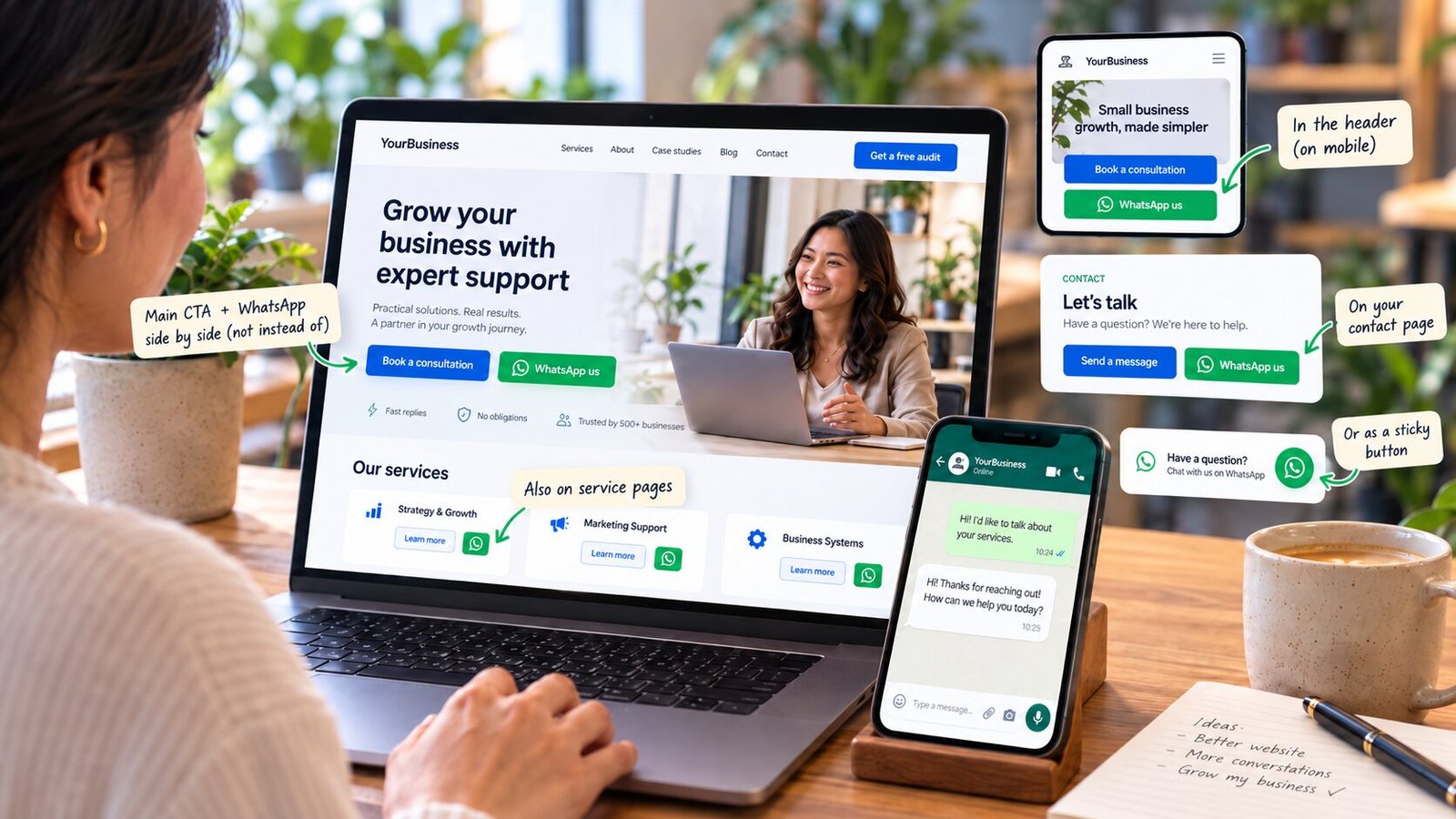
Beside every call to action, not instead of it
The primary button stays the one you want most — the form, the consultation booking. WhatsApp sits next to it as the lower-commitment option, styled more quietly. Some people will never fill a form; you want them to have a route that costs them nothing.
At the end of each service page, with that service named
Someone who read the whole page is as warm as they will get. A pre-filled message naming that service means the conversation starts at the second step instead of the first.
In the header, but only on mobile
On a phone it is one tap from anywhere on the site, which is where most of your traffic is. On desktop it usually just crowds the nav, and the visitor is less likely to be holding the right device anyway.
Labelled with what happens, not with "chat"
"WhatsApp me a question — I reply within the hour" beats "Chat with us", because it sets the expectation and promises a person. If you cannot keep to the time you print, print a longer one.
Never as the only way to reach you
A form and an email address cost you nothing to keep, and some clients — corporate ones especially — will only use them. A site offering nothing but WhatsApp quietly filters out the enquiries with the biggest budgets.
If you want the fuller version of this argument — how many options to offer, what to put next to them and why forms still earn their place — that is the conversion guide.
The part nobody wants to hear: response time
All of the setup above is undone by one habit. People do not send a WhatsApp message the way they send an email. They send it expecting something close to a conversation, and then they watch the screen for a minute.
In professional services this matters more than most owners think, because the person enquiring is almost never messaging only you. They found three firms in the map results and they are messaging all three in the same sitting, from the sofa, on a Sunday evening. The first one to answer properly usually wins — not because they are better, but because by the time the second reply lands the decision feels made.
Within the hour during working hours keeps you in the running. Same day is acceptable if your away message set that expectation. Next morning, without warning, usually means someone else answered first. And "seen" with no reply for four hours is worse than not having read it at all, because now they know you are there and have decided they can wait.
If you cannot hold an hour — and plenty of one-person practices genuinely cannot — then do not pretend to. Set the away message to state your real hours, print the same promise on the website button, and keep to it. A stated two-hour reply that always arrives beats an implied instant one that does not.
Five things that will cost you
Each of these is common, each one looks harmless, and each one does damage that is hard to trace back.
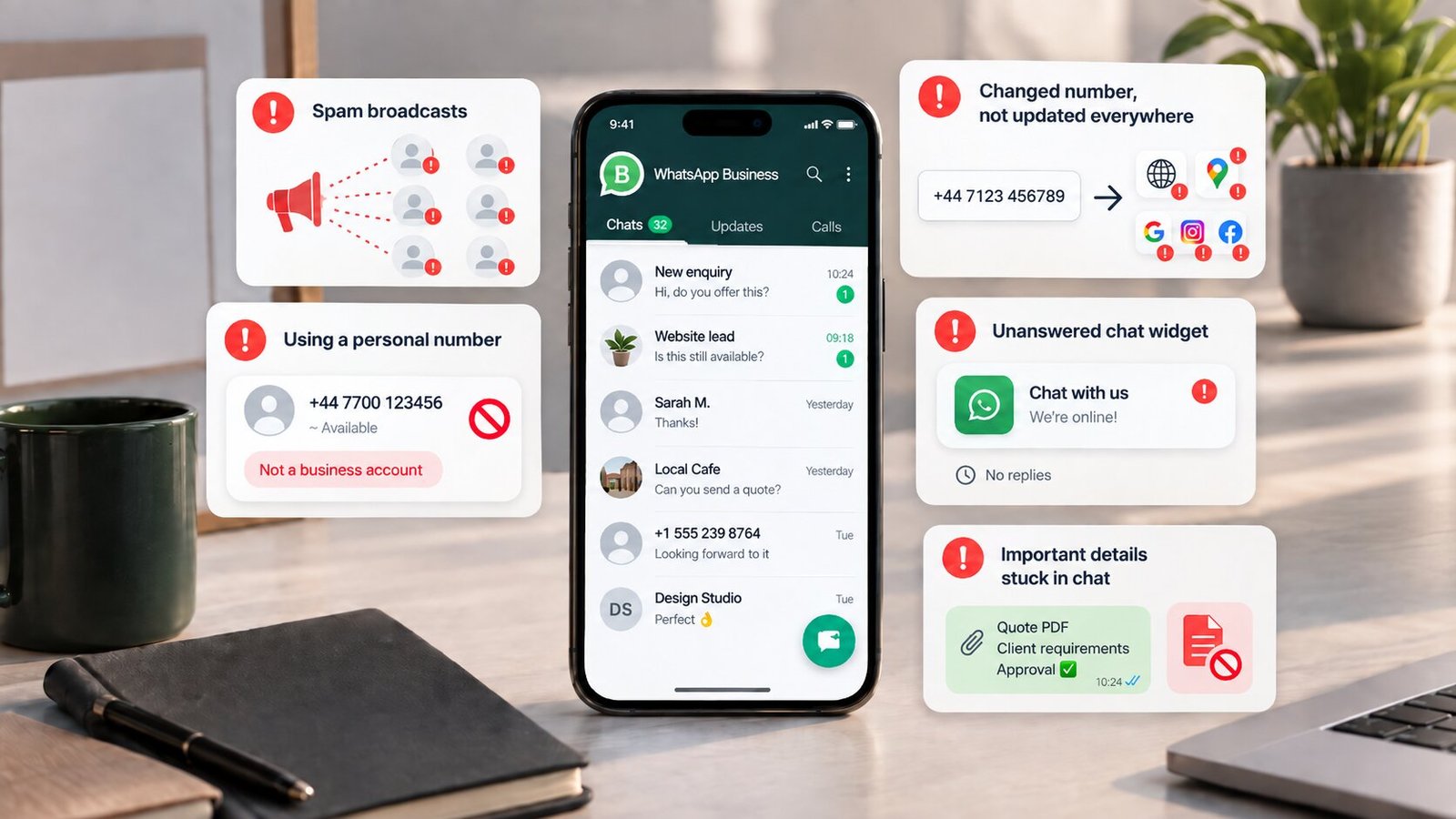
Broadcasting to everyone who ever messaged you
A promotion sent to two hundred people who contacted you about one job is spam, whatever you call it. Enough blocks and reports and the number your entire business runs on stops being reliable. Send to people who asked to hear from you, rarely, with something genuinely useful — and never put clients in a group where they can see each other's numbers. In regulated work, that alone can be a confidentiality problem.
Running the practice on a personal number
It works until you hire someone, go on leave, or want to stop reading enquiries at 11pm. Then the number cannot be handed over, the history cannot be shared, and the business is dependent on one person's phone. Separating it is easy now and expensive later.
Changing the number without changing it everywhere
Website, Google Business Profile, email signature, invoices, social profiles, old quotes. Miss one and enquiries go to a dead line for years with no bounce message to warn you. Write the list down before you switch.
A chat widget nobody answers
An unattended widget is a demonstration that you are not there. If the chat is not being read within your stated hours, remove it and use a plain link, which at least lands the message somewhere you will see it.
Letting the whole engagement live in chat
Scope, fees, approvals and documents need to exist somewhere you can retrieve them in a year — and somewhere a lost phone does not take with it. Use WhatsApp to agree and email to confirm. Clients rarely object; they usually take it as a sign of a firm that has done this before.
What this looks like in practice
Three versions of the same plumbing, in the kind of practice this guide was written for.
A two-partner accounting firm
The compliance page ends with a WhatsApp button pre-filled with "I'm asking about annual compliance for my Sdn Bhd". The greeting message asks for turnover; the /fees quick reply gives a range in one paste. Most enquiries are quoted in two exchanges, and the ones that are not a fit disqualify themselves before anyone spends an hour on a meeting.
A solo legal consultant
WhatsApp handles first contact only, deliberately. The away message states a two-hour reply within office hours and keeps to it; the /email quick reply moves anything substantive into writing the same day. Chat is the front door, email is the file, and nothing important lives only on the phone.
A three-person consultancy
One business number, WhatsApp Business on a shared device, labels doing the triage — new, quoted, active, dormant. Every service page carries its own pre-filled link, so the label can be applied before anyone reads the message. Nobody has to remember who was waiting on what.
None of this is sophisticated. It is a profile filled in, five messages written once, a link built correctly and put in the right places, and a reply time you can actually keep. The businesses losing enquiries to WhatsApp are not losing them to the app — they are losing them in the gap between the website and the chat, which is exactly the gap this closes.
Questions owners ask
Is WhatsApp enough, or do I still need a website?
WhatsApp is where the conversation happens; it is not where you get found or judged. Nobody searches inside WhatsApp for an accountant, and a bare number gives a stranger nothing to check before messaging. The site does the finding and the convincing; WhatsApp does the talking.
What does WhatsApp Business add?
A business profile with hours, address and website, automatic greeting and away messages, quick replies, labels, and a catalogue. The chats are identical. The difference is that it answers for you when you cannot.
Can I keep my number when I switch?
Yes — install the business app, sign in with the same number, and your history comes across while the personal app releases it. Or register the business app to a second number and run both on one phone.
How fast do I have to reply?
Within the hour during working hours keeps you in the running, because most enquirers messaged two or three firms at once. If you cannot hold that, state your real hours in the away message and on the website button — and keep to them.
Where should the button go?
Beside your main call to action, at the end of each service page with that service named, and in the mobile header. A floating bubble is a backup, not the whole plan.
Do I need a chat widget?
Only if a human reads it. A plain wa.me link is faster, adds no weight to the page, and hands the conversation to an app the visitor already trusts.
Is it safe for client work?
For first contact and quick questions, yes. For anything you may need to prove later — scope, fees, approvals — move it to email and say so. A lost or handed-over phone takes the whole history with it.
Can I message my customer list?
Only people who asked to hear from you, and rarely. Unsolicited broadcasts get blocked and reported, which puts the number your business runs on at risk.
Getting WhatsApp messages, but not from strangers?
Then the gap is on the website, before the chat ever starts. I'll read your site the way a stranger deciding whether to message you would, and send back the three specific things stopping them — free, within 48 hours. If it is the upkeep that keeps slipping instead, the care plan covers that.