

Before
What the old homepage got wrong
Nothing on it was broken. It just never told a buyer what to do next — and parts of it said nobody was looking after the site.
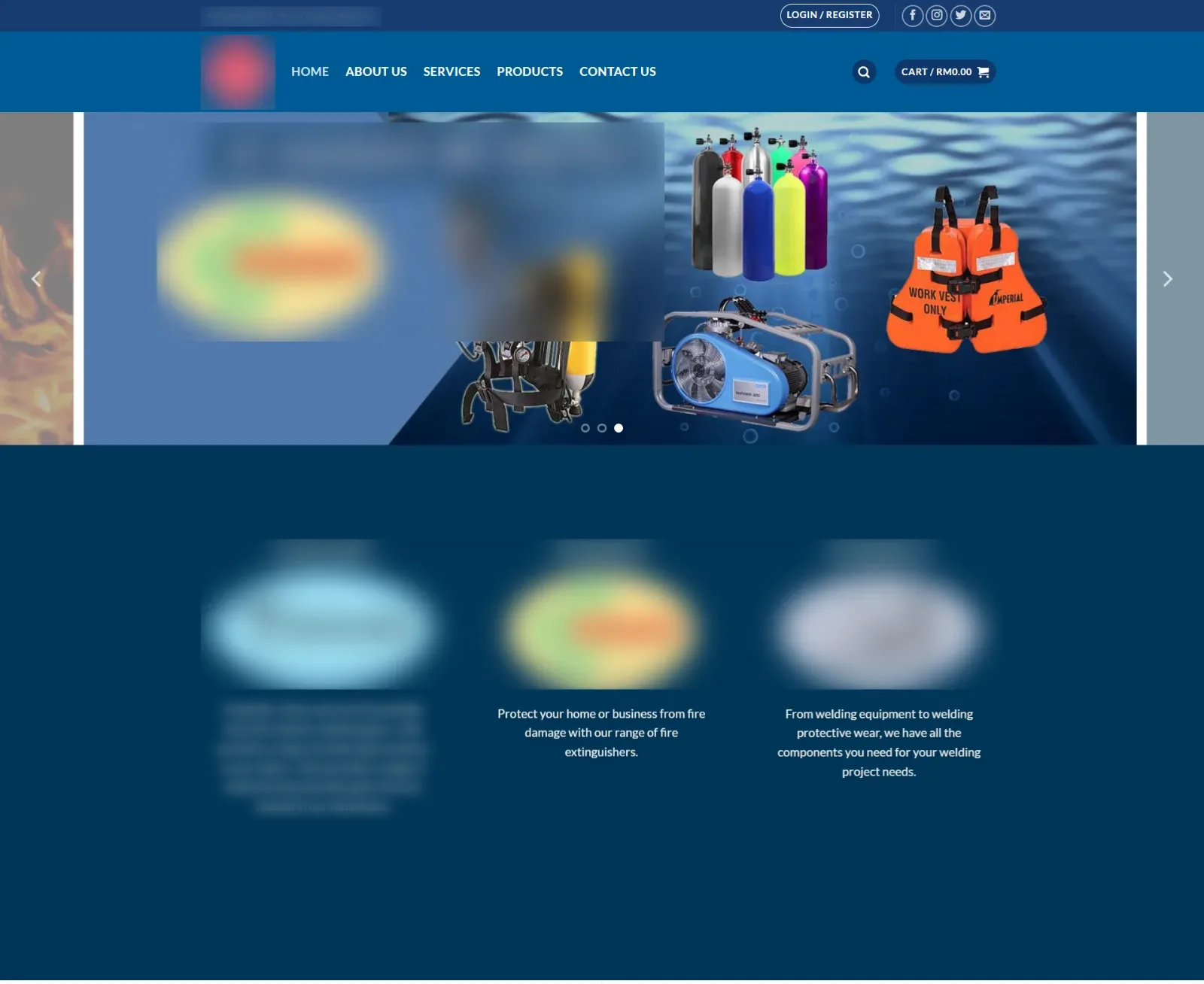
No headline that says what they do
The page opens with a rotating banner and “Your One Stop Solution”. A buyer has to scroll and guess whether this company sells extinguishers, oxygen or both.
No next step except “Login / Register”
The only buttons above the fold are Login, Register and a cart showing RM0.00. No quote button and no WhatsApp. The phone number sits in the footer.
Sorted by brand, not by need
Three division logos, each with its own made-up name, fill the first section. Buyers search for “fire extinguisher Melaka”, not a division name.
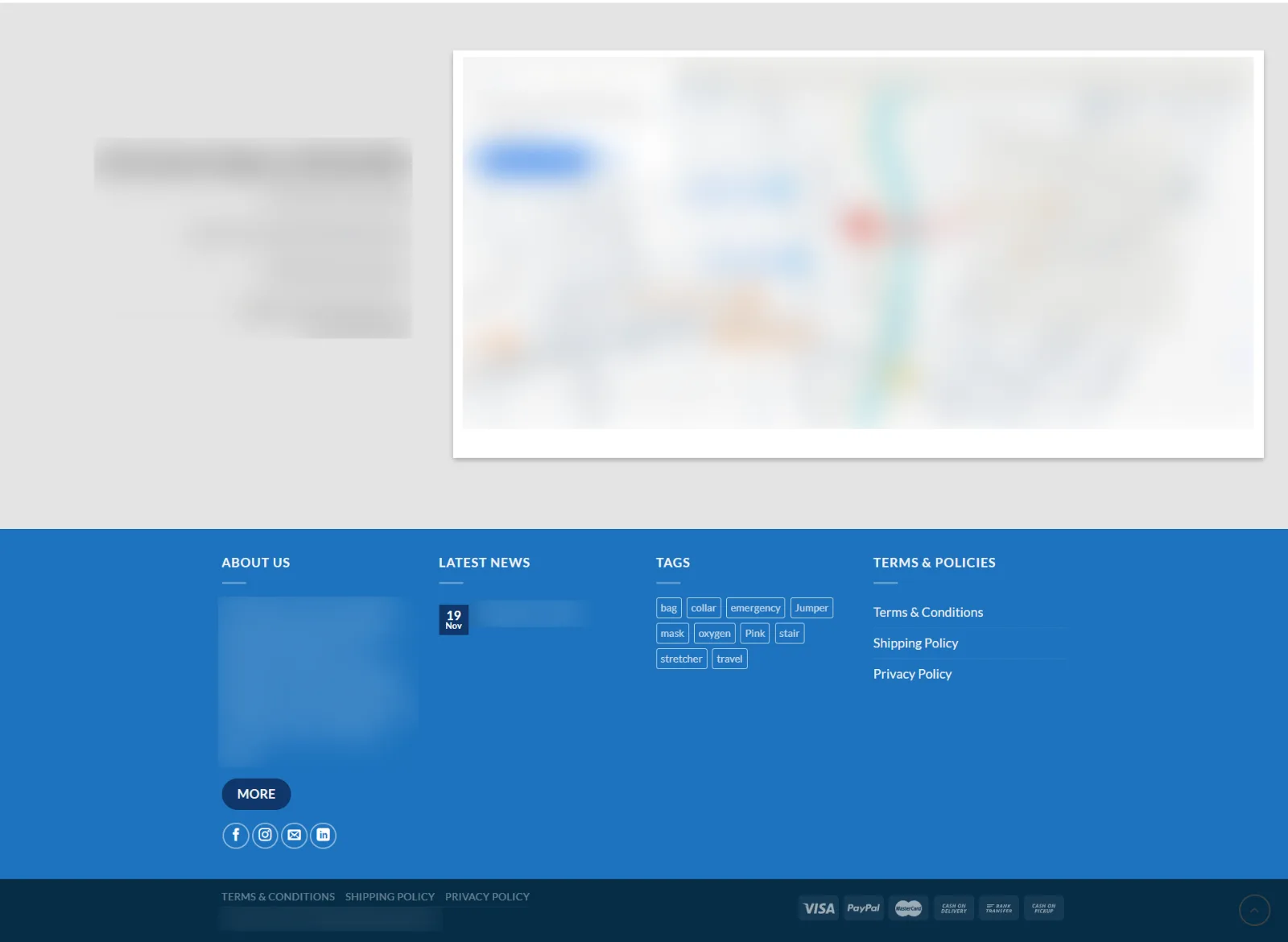
Template leftovers everywhere
Social icons linking to “http://url”, product tags like “Pink” and “Jumper”, and one news post from 2015 called “Welcome”. Small things — but they say the site is abandoned.
Built like a shop, used like a supplier
Cart, wishlist, “Quick View”. But factories and clinics buy with a quotation, an LPO and an invoice — not a card at checkout.
After
8 changes, and why each one converts
Same company, same products, same photos. The difference is order: answer first, proof next, then one easy way to ask.
- 1
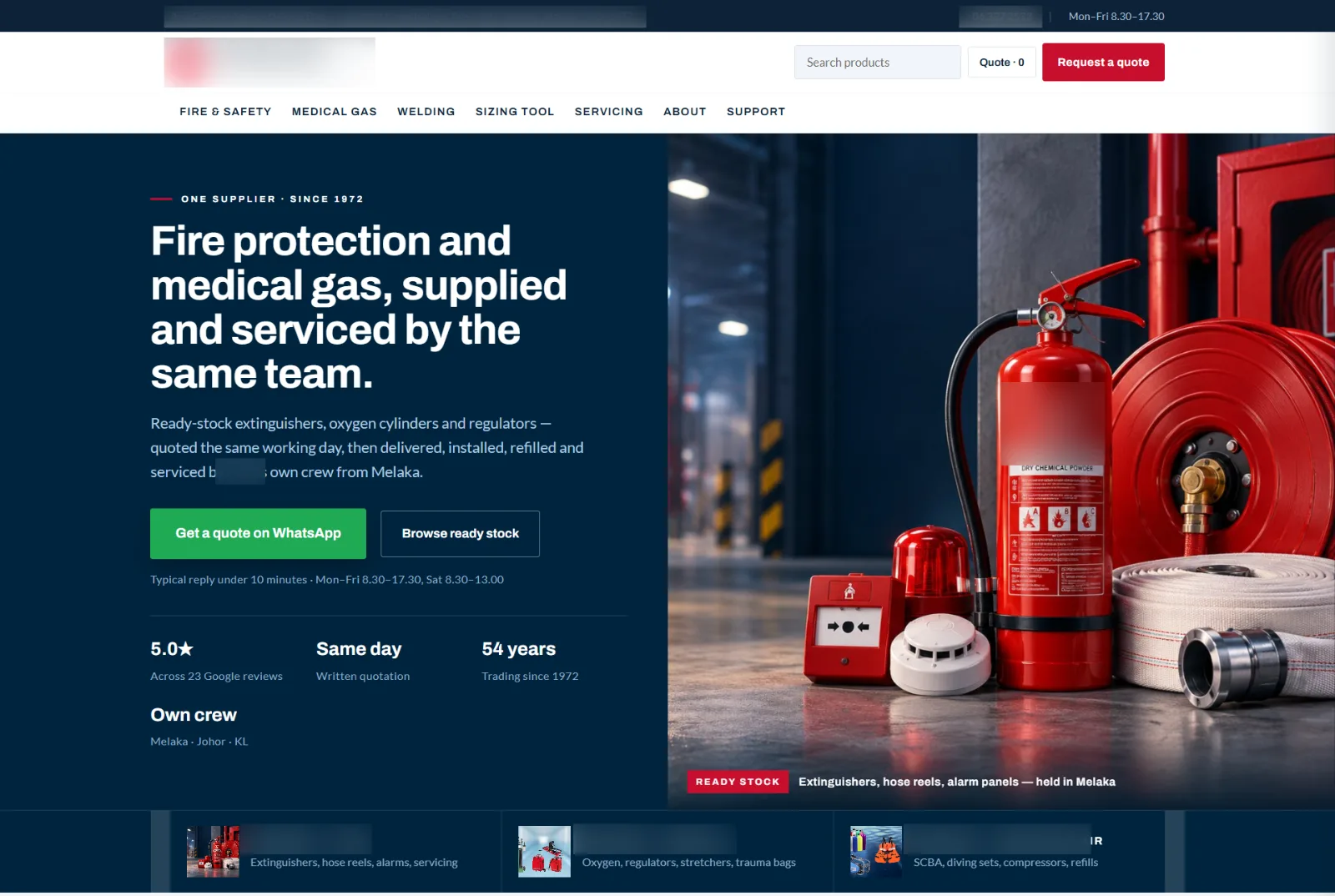
A headline that says what, for whom, and why them
“Fire protection and medical gas, supplied and serviced by the same team.” A clinic manager or factory buyer knows in five seconds they’re in the right place. How to write a homepage that converts.
The first screen: headline, two buttons, reply time and proof — all before any scrolling. - 2
WhatsApp as the main button, with the reply time
“Get a quote on WhatsApp” is the big green button, with “Typical reply under 10 minutes” under it. Buyers in Malaysia ask on WhatsApp first; saying how fast you reply removes the reason to wait. WhatsApp for small business.
- 3
Proof where the decision is made
Google rating, same-day written quotation, years trading and “own crew” sit right under the buttons — not on an About page nobody opens. Trust signals that work.
- 4
Choose by need, not by division name
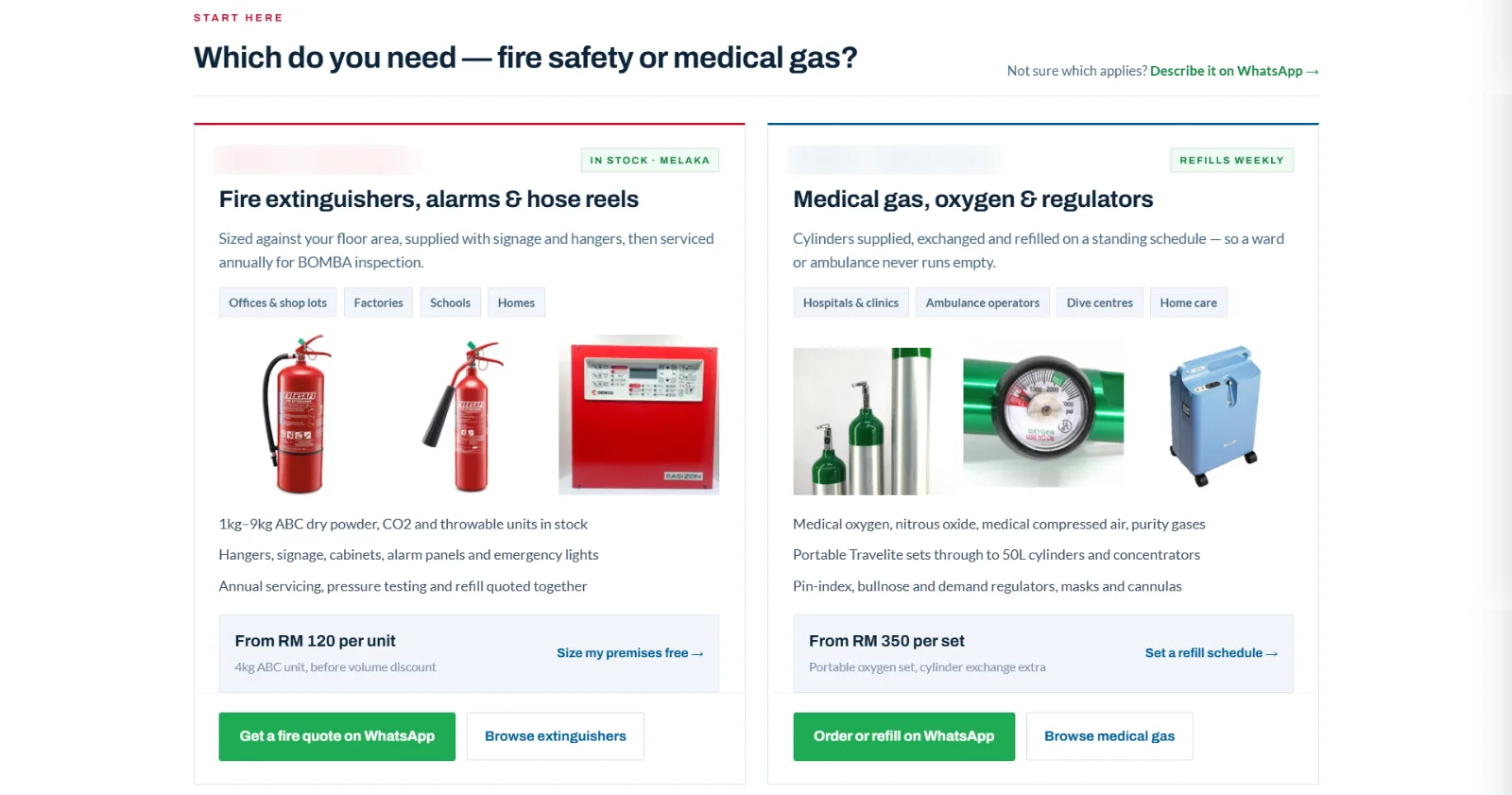
“Which do you need — fire safety or medical gas?” Two cards, each saying who it’s for (offices, factories, clinics, ambulance operators), what’s in stock, a starting price and its own WhatsApp button. Service pages that convert.
Two paths, each ending in a WhatsApp button that already names what the buyer wants. - 5
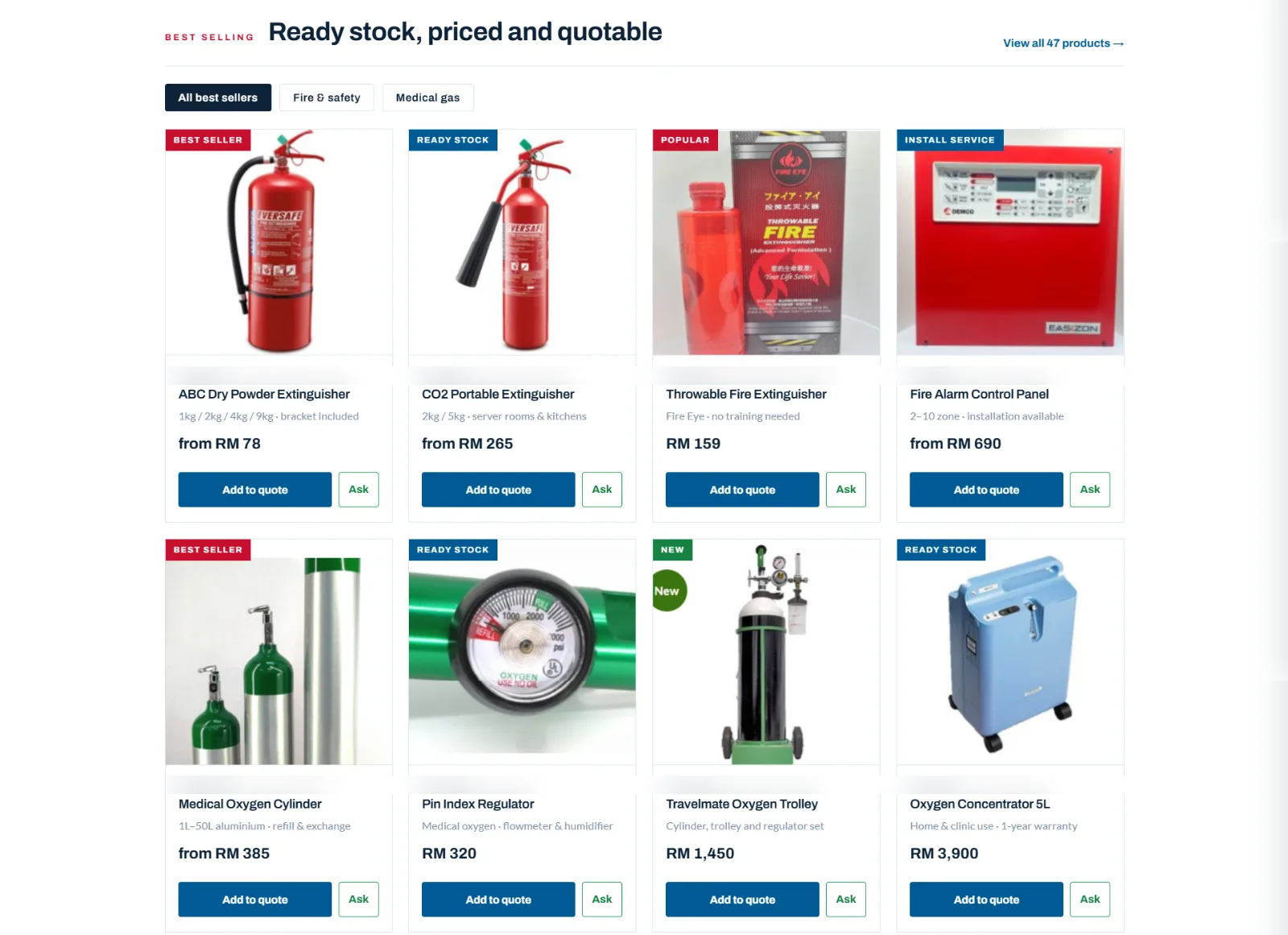
Prices shown, then “Add to quote”
Best sellers show a “from RM” price and two buttons: “Add to quote” for procurement, “Ask” for a quick question. A price filters out time-wasters and tells real buyers the quote won’t be a shock. Should you show prices?
Every product card ends in a next step. On the old site, products had a wishlist heart. - 6
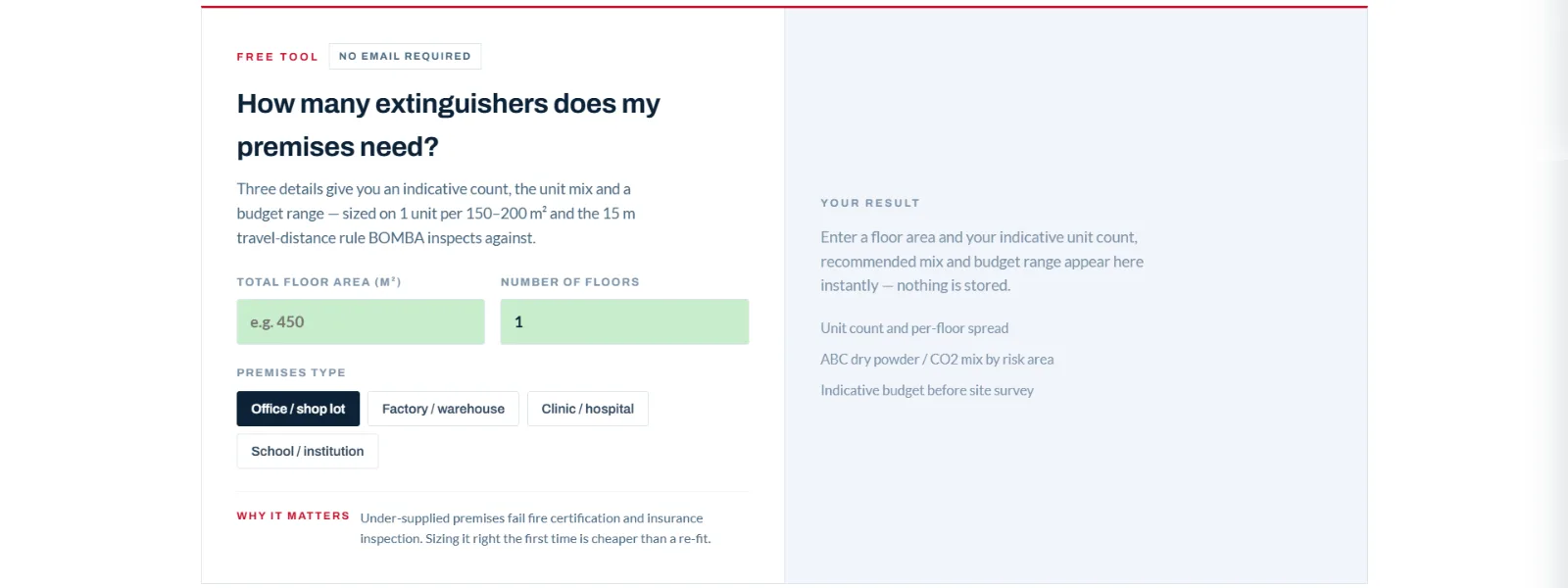
A free tool for buyers who aren’t ready yet
“How many extinguishers does my premises need?” Floor area, floors and premises type give an indicative count and budget, with no email asked. It helps people still comparing — and they leave with a number from you.
The sizing tool answers the first question every office manager has. - 7
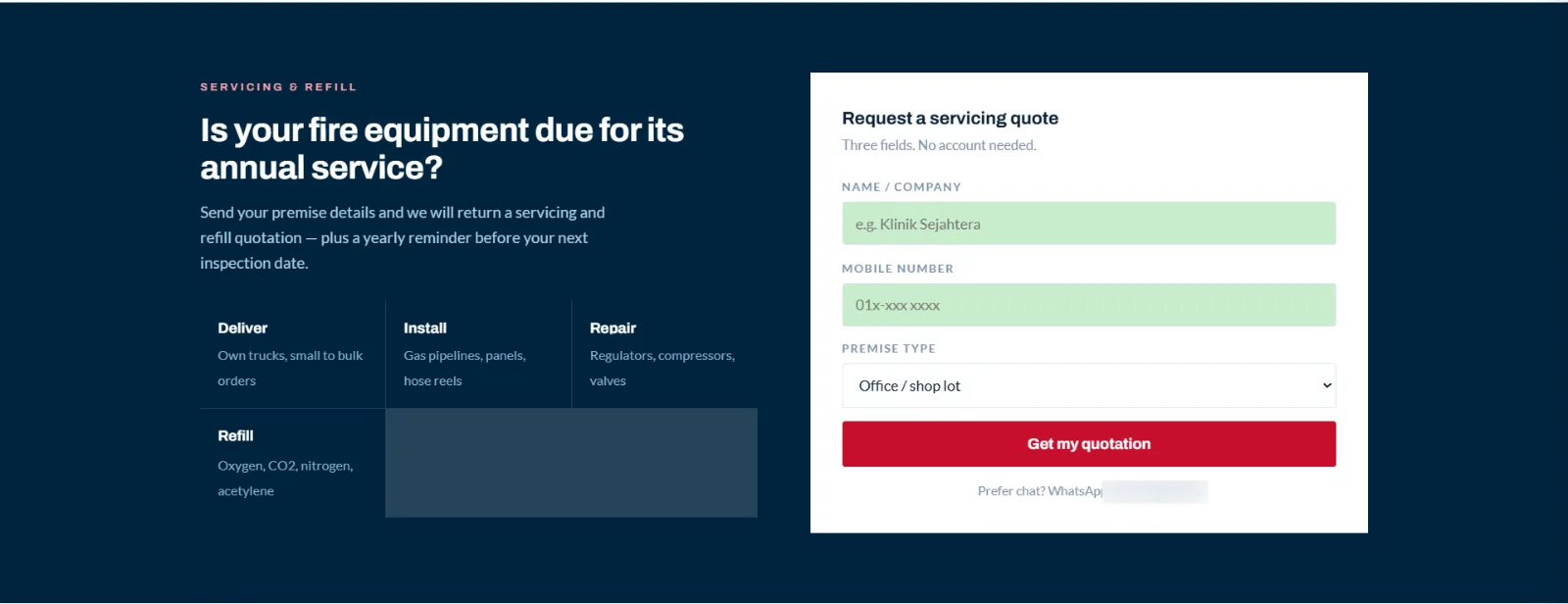
A three-field form, and answers to procurement’s questions
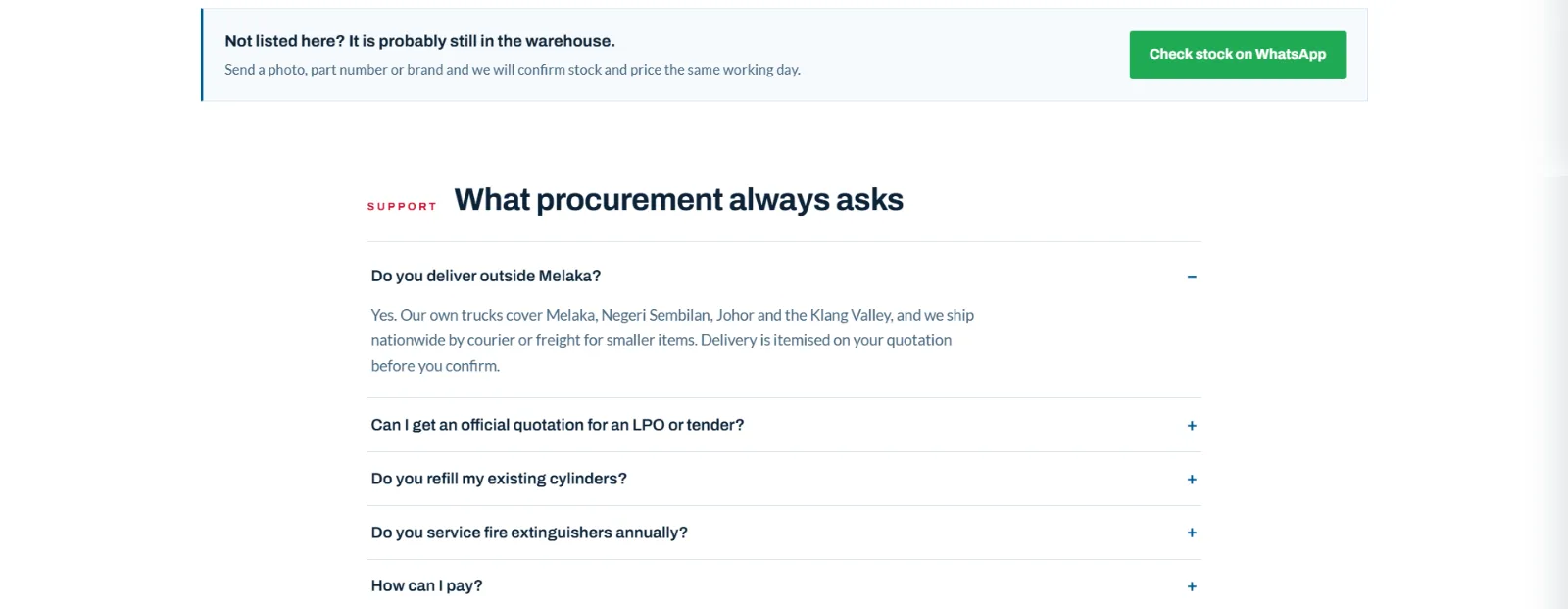
Name, mobile, premises type — nothing else. Below, the FAQ covers what procurement asks every time: delivery outside Melaka, LPO and tender quotations, refills, annual servicing, payment. Contact forms that get filled in.
Three fields. “No account needed.” A WhatsApp option for people who’d rather chat. “Not listed here?” catches buyers looking for something that isn’t on the page. - 8
Every section ends with a way to ask
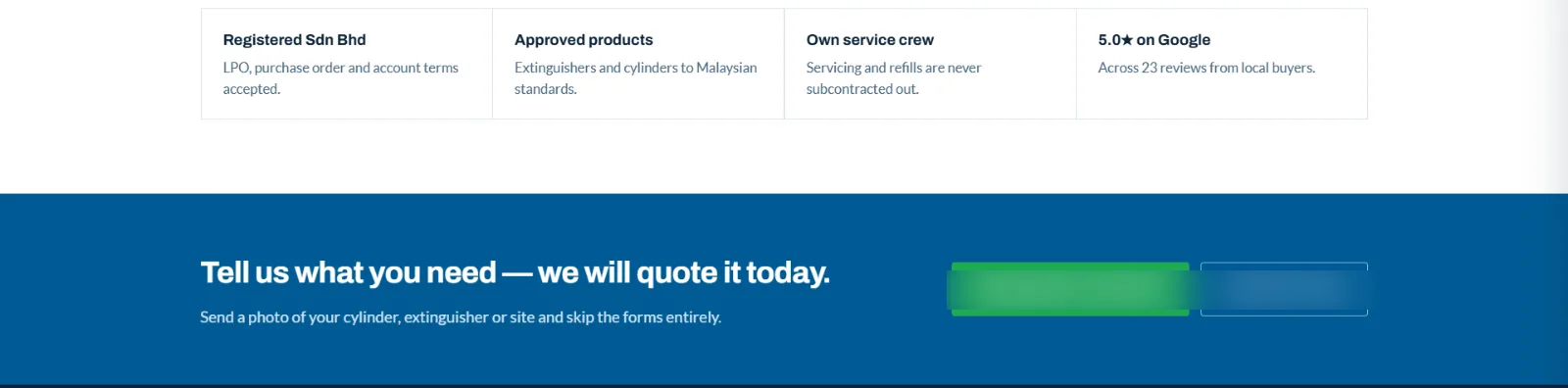
The page closes with “Tell us what you need — we will quote it today”, plus WhatsApp and phone buttons. Wherever a buyer stops reading, the next step is right there. Calls to action that get clicked.
Trust, then the ask — the last thing on the page.
For your site
What to take from this
You don’t need to sell extinguishers for these to apply.
Say what you sell in the first line
If a visitor has to scroll to find out what you do, most won’t. Replace slogans with a sentence a customer would say.
Give one easy way to ask, and repeat it
One main button — WhatsApp works well in Malaysia — at the top, on every product and at the end.
Remove anything that says “nobody’s here”
Dead social links, demo tags and a news post from years ago cost more trust than having no news section at all.
What happens next
When the new site goes live, we’ll compare WhatsApp clicks, quote requests and form enquiries with the old site, and add the numbers here. Going deeper: the website conversion guide and why your website isn’t converting.
Want to see your own site’s “after”?
Send your homepage. Within 48 hours you’ll get the three changes that would bring you the most enquiries.